How to add description of a company contact in HelpScout
Here is how to add description of a company contact in helpscout
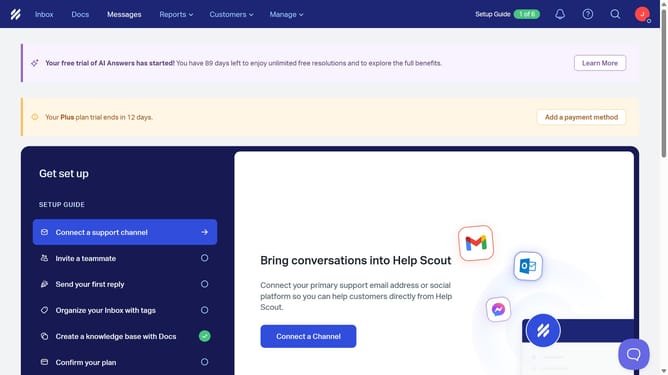
- First click on the "Customers" item in the top menu
- Then click on the "Companies" item in the dropdown menu
- Next click on the company name that you want to manage
- Then click on the "Description" text box and enter the company description
- Finally, click anywhere outside the textbox to confirm changes
Why should you add description of a company contact in HelpScout
Help Scout is a seamless customer support platform designed to enhance communication and efficiency within teams.
Adding a description to a company contact in Help Scout allows for richer customer profiles, leading to more personalized interactions.
This feature provides context about the company, making it easier for support agents to tailor their responses and improve customer experience.
Using this feature, companies can maintain organized and detailed contact records, ultimately fostering stronger client relationships.
Last update