How to bold words in a reply in HelpScout
Here is how to bold words in a reply in helpscout
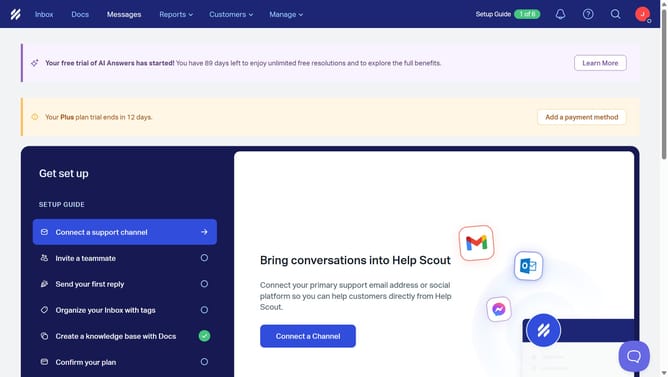
- First click on "Inbox" button in the top navigation menu
- Then select an item from the conversation list in the center panel
- Next click on "Reply" button below the conversation message
- Then click in the reply message compose area to start typing
- Type a response in the reply compose area text field
- Finally click on "Bold" formatting button in the compose toolbar
Why should you bold words in a reply in HelpScout
Help Scout is a user-friendly platform designed to streamline customer interactions with a focus on simplicity and efficiency.
Enhancing communication with bold text in Help Scout is a powerful way to draw attention to key points in your responses.
Utilizing bold text ensures that your important messages stand out, aiding in clearer and more effective communication with your customers.
This feature not only elevates the readability of your replies but also enhances the professional appearance of your correspondence.
Last update