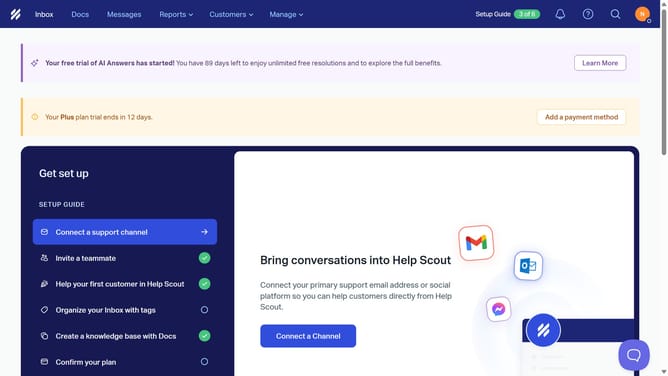
How to change timezone in HelpScout
Here is how to change timezone in helpscout
- First click on the profile icon button in the top right corner of the header
- Then click on "Your Profile" option in the dropdown menu
- Next click on the "Timezone" dropdown field in the Settings section
- Then select an option from the timezone dropdown list
- Finally click on the "Save" button at the bottom right of the Settings page
Why should you change timezone in HelpScout
Help Scout is a customer service platform designed to streamline communication and enhance client interactions.
Adjusting the timezone in Help Scout ensures that your communications are accurately time-stamped, which is essential for maintaining seamless customer experiences. This feature supports global teams by making it easy to synchronize workflows and manage interactions across different regions effectively.
By setting the correct timezone, teams can avoid confusion in scheduled responses, meeting times, and data analysis pertaining to customer inquiries, fostering a more efficient support process.
Last update