How to edit a company contact name in HelpScout
Here is how to edit a company contact name in helpscout
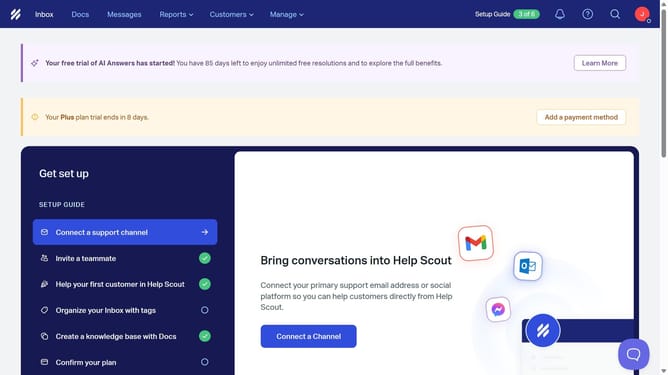
- First click on "Customers" in the header menu
- Then select "Companies" from the dropdown
- Next click on the company name that you want to manage
- Then click on the "Company Name" text field and update the company name
- Finally click anywhere outside the text field to save changes
Why should you edit a company contact name in HelpScout
Help Scout is a dynamic customer service platform designed to streamline communication and enhance support experiences.
Editing a company contact name in Help Scout is a seamless process that allows for improved organization and accuracy in correspondence. By keeping contact information up to date, businesses can maintain clarity and strengthen relationships with their clientele.
Accurate contact details ensure efficient communication and reduce errors, fostering trust and satisfaction among customers while aiding in thoughtful interaction management.
Last update