How to insert a link in a reply in HelpScout
Here is how to insert a link in a reply in helpscout
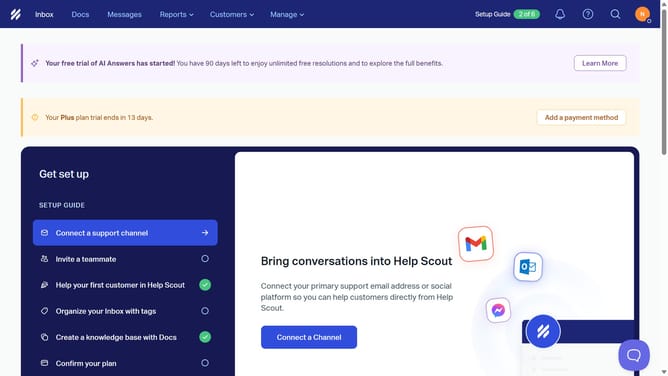
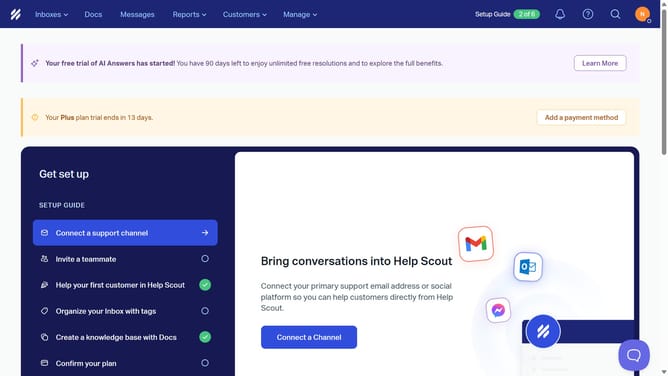
- First click on "Inbox" link in the top navigation menu
- Then click on a conversation item in the main content area
- Next click on "Reply" button in the conversation thread
- Then click on "Insert link" button in the message editor toolbar
- Next click on the "Text" field in the link dialog and enter the text you want to appear as a link
- Then click on the "URL" field in the link dialog and enter your URL
- Finally click on "Save" button to confirm the link insertion
Why should you insert a link in a reply in HelpScout
Help Scout is a user-friendly platform designed to enhance customer service with seamless, efficient communication.
Inserting a link in a reply on Help Scout is a straightforward feature that significantly enriches the customer support experience. By adding hyperlinks directly within responses, support agents can guide customers to additional resources or provide answers without cluttering the conversation.
This feature not only improves clarity and accessibility, but also elevates the speed at which information is shared, leading to higher customer satisfaction and streamlined service operations.
Last update