How to create an inbox custom view by asignee in HelpScout
Here is how to create an inbox custom view by asignee in helpscout
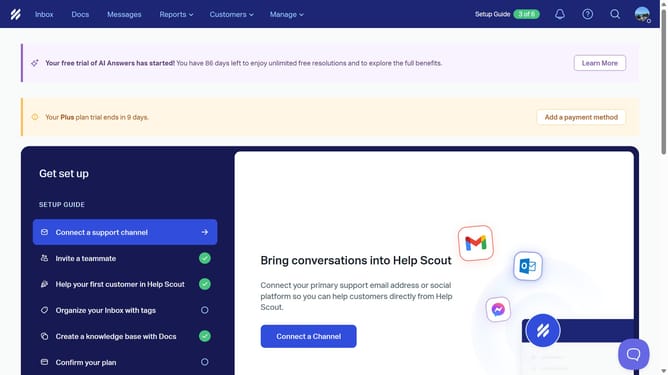
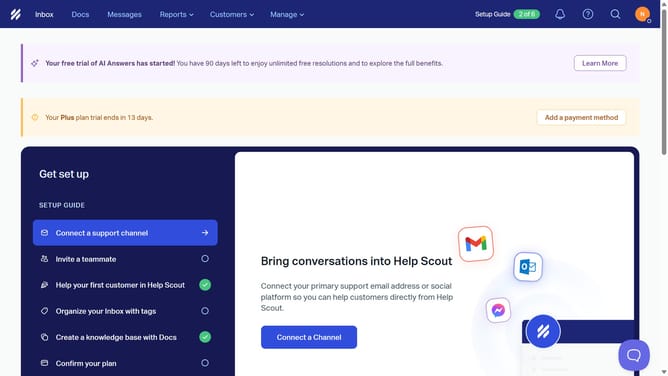
- First click on "Inbox" tab in the header menu
- Then click on the "+" icon to add a new view
- Next, select "Assignee" from the list of filter options
- Then click on the "Choose" button to select an assignee
- After that, select the checkbox next to the name
- Then click the "Add Assignees" button
- Next, in the "Untitled View" section, click on the text input field to name the view
- Then click on the "Add" button to add the filtered view
- Finally, click on the "Create" button to create the new view
Why should you create an inbox custom view by asignee in HelpScout
Help Scout is a versatile platform designed to streamline customer support interactions effortlessly.
Creating an inbox custom view by assignee in Help Scout allows you to tailor your workspace to better manage team responsibilities.
This feature makes it easier to track whose handling each case, ensuring accountability and efficiency in resolving customer queries.
Using it not only optimizes workflow but also empowers team members by giving them clearer visibility into their individual tasks.
Last update