How to pause an active message in HelpScout
Here is how to pause an active message in helpscout
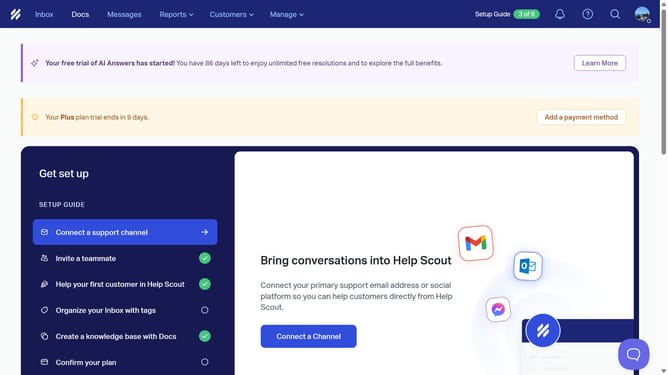
- First click on "Messages" in the header
- Then click on the three dots icon
- Next, select "Pause" from the dropdown menu
- Finally click on the "Pause" button to confirm
Why should you pause an active message in HelpScout
Help Scout empowers teams to deliver exceptional customer support through an intuitive platform.
A standout feature is its ability to pause active messages effortlessly. This functionality is invaluable when adjustments are needed before finalizing communications.
Pausing messages ensures that your team can stop and refine ongoing interactions, promoting accuracy and relevance in communication.
Ultimately, this feature enhances the customer experience by allowing teams to fine-tune responses for maximum clarity and impact.
Last update