How to create a docs category in HelpScout
Here is how to create a docs category in helpscout
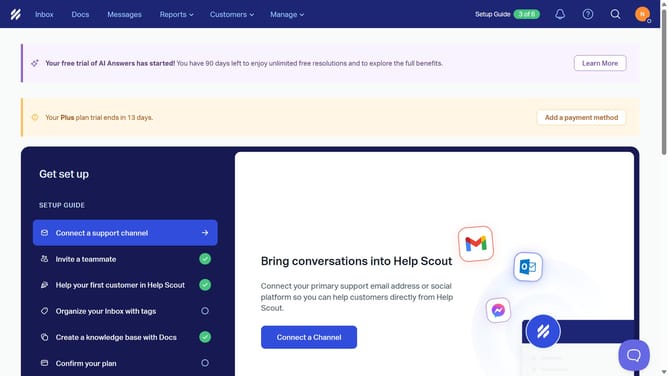
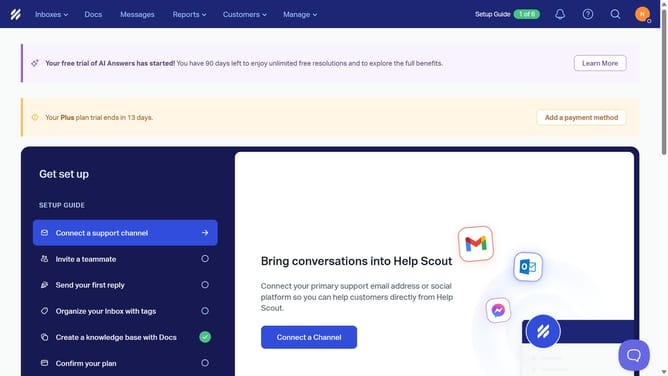
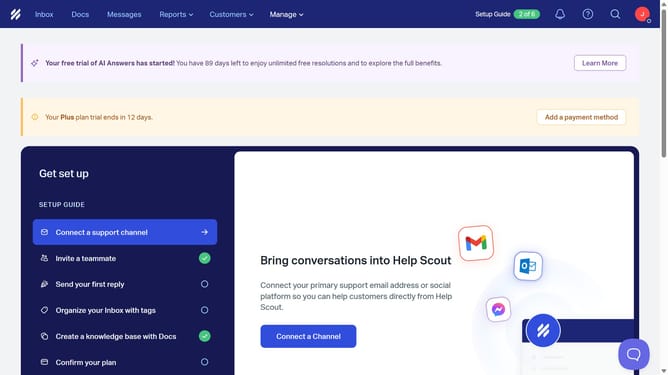
- First, in the header menu, click on "Docs" tab
- Then, click on the "+" button in the left sidebar
- Next, select "Create Category" from the dropdown menu
- Then, enter "New Category" into the "Category Name" input field in the "New Category" modal
- Finally, click on the "Create Category" button at the bottom of the "New Category" modal
Why should you create a docs category in HelpScout
Help Scout is a customer service platform designed to make communication simple and efficient.
Creating a docs category in Help Scout is a valuable feature that enables you to organize your knowledge base seamlessly. It aids in structuring content, making it easily navigable for users seeking specific information. By categorizing your docs, you ensure a more intuitive user experience, enhancing the overall support process.
Utilizing this feature not only improves accessibility but also significantly reduces response times, allowing your support team to operate more effectively. This organized approach empowers your customers to find answers independently, boosting satisfaction and fostering engagement.
Last update