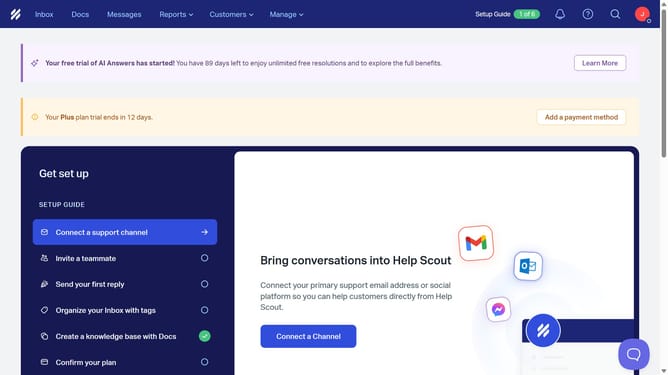
How to open new message in HelpScout
Here is how to open new message in helpscout
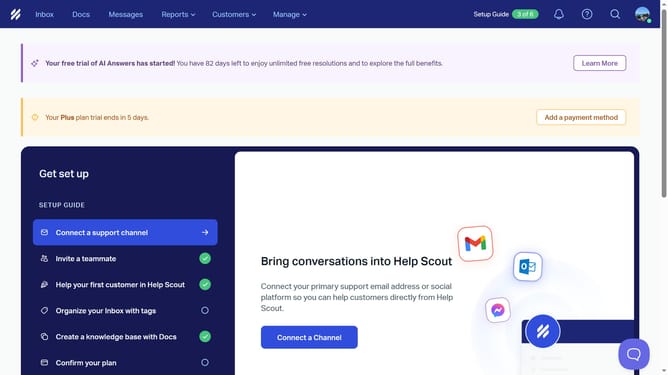
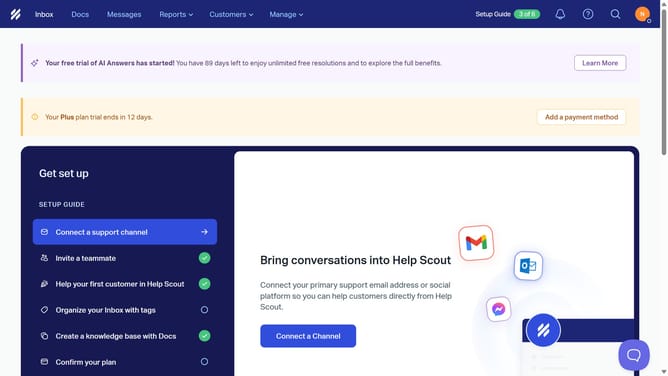
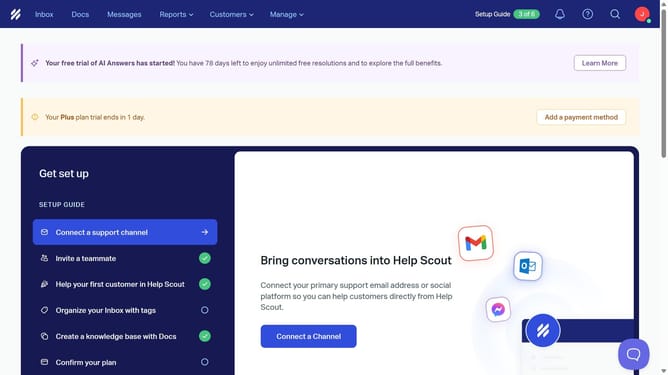
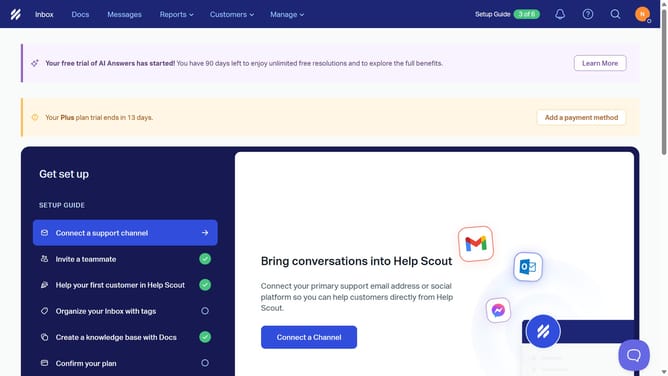
- First click on "Inbox" tab in the top navigation menu
- Then click on a conversation in the conversations list
- Finally click on "Inbox" tab in the top navigation menu to go back to the inbox list
Why should you open new message in HelpScout
Help Scout is a dynamic platform designed to streamline customer support interactions efficiently.
Opening a new message in Help Scout is a seamless process that enhances communication flow between you and your customers. This feature allows support teams to initiate customer contact swiftly, ensuring no opportunity for engagement is missed.
Using this feature means faster resolution of queries, leading to a positive customer experience and a more satisfied client base. Its intuitive interface makes reaching out as easy as a few clicks, keeping the focus on providing top-notch support.
Last update