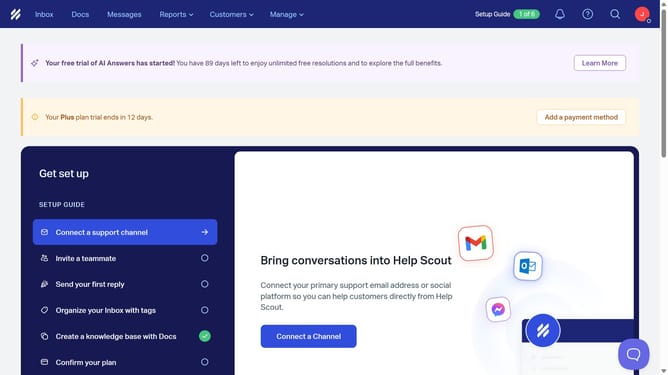
How to delete an inbox view in HelpScout
Here is how to delete an inbox view in helpscout
- First click on the "Inbox" tab in the top menu
- Then click on the "All" item in the sidebar
- Next, click on the view that you want to delete in the main content area
- Click on the three vertical dots icon at the top right of the section
- Select the "Delete view" option from the dropdown menu
- Click the "OK" button to confirm the deletion
Why should you delete an inbox view in HelpScout
Help Scout is an intuitive platform designed to streamline customer support with efficiency and ease.
Deleting an inbox view in Help Scout enhances your team's focus by removing unnecessary or outdated views, ensuring that only relevant information is accessible. This feature fosters a cleaner, more organized workspace, supporting user productivity by eliminating clutter.
By managing your inbox views effectively, your team can quickly access the information that matters most, speeding up response times and improving customer satisfaction.
Last update