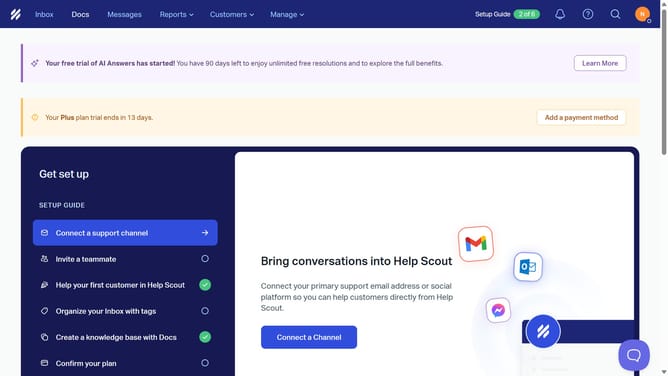
How to delete a user in HelpScout
Here is how to delete a user in helpscout
- First click on "Manage" dropdown menu in the top navigation bar
- Then select "Users" option from the dropdown menu
- Next click on the three-dot menu button for the user name in the users table
- Then click on "Delete User" option from the context menu
- After that select a radio button in the deletion reason dialog
- Finally click on "Delete User" button to confirm the deletion
Why should you delete a user in HelpScout
Help Scout is a customer support platform designed to streamline and enhance communication with clients.
A key feature in Help Scout is the ability to easily manage user roles, including the deletion of a user when necessary.
Deleting a user in Help Scout is beneficial for maintaining an organized and efficient workspace, ensuring that only the right team members have access. This feature helps to prevent unauthorized access and keeps your support team focused and effective, while also maintaining a secure and up-to-date environment.
Last update