How to update first name in HelpScout
Here is how to update first name in helpscout
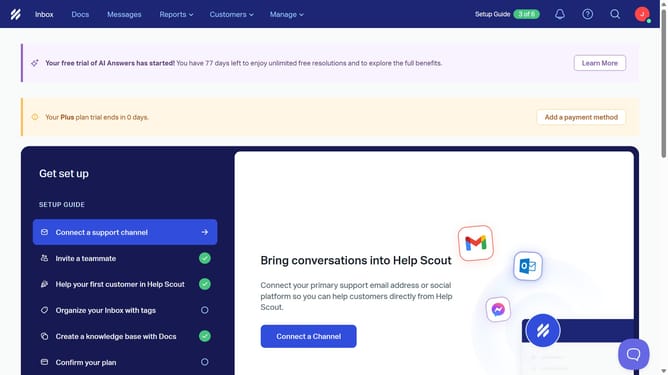
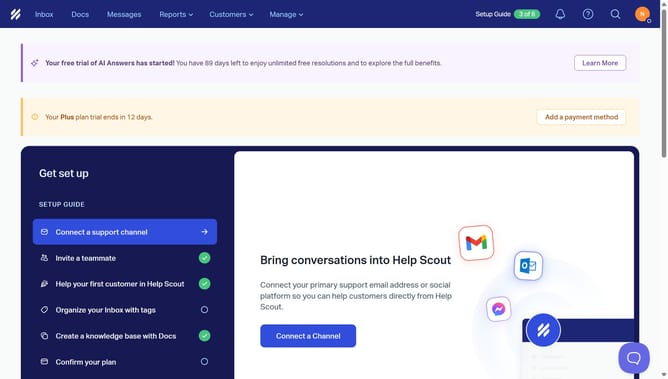
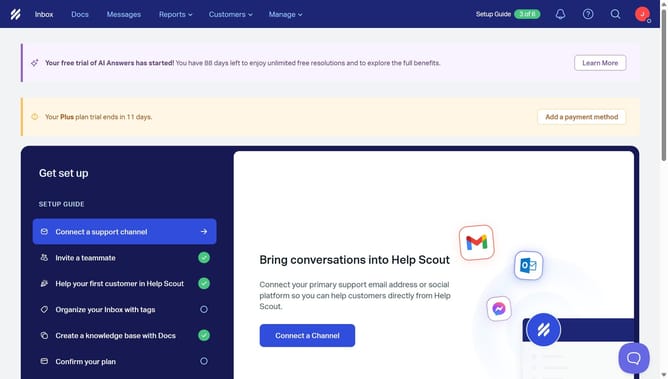
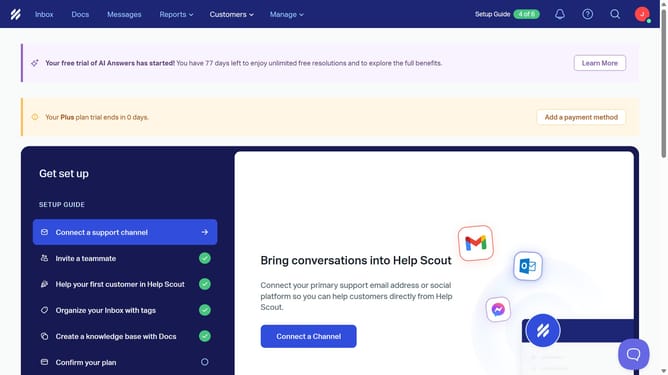
- First click on the user profile icon button in the top-right corner of the header
- Then click on "Your Profile" option from the dropdown menu
- Next click on the "First Name" text field in the profile form and update your first name
- Finally click on the "Save" button at the bottom of the page
Why should you update first name in HelpScout
Help Scout is an intuitive customer support platform designed to enhance user interactions seamlessly.
Updating your first name in Help Scout is a straightforward feature that ensures all communications reflect your preferred identity, enhancing professionalism and personalization.
By keeping your information up-to-date, it aligns all user interactions with your current details, fostering trust with clients and colleagues. This empowers teams to communicate with consistency and clarity, showing attention to detail and respect for individual preferences.
Last update