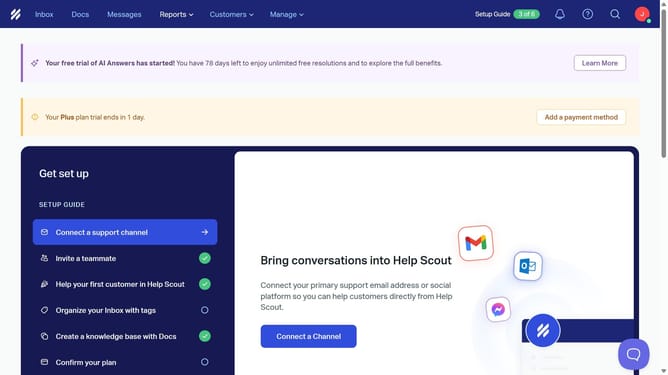
How to create a tag in HelpScout
Here is how to create a tag in helpscout
- First click on the "Inbox" tab in the header
- Then click on the message you want to open in the main content area
- Next, click on the tag icon in the top action bar
- Then click on the "Search or create a tag" input field and enter your new tag name
- Finally, click on "Create tag "Monthly Goal"" to create the tag
Why should you create a tag in HelpScout
Help Scout is a comprehensive platform designed to enhance customer support efficiency and effectiveness.
Creating a tag in Help Scout is an innovative feature that organizes and categorizes conversations, enabling better management.
Tags empower support teams to quickly retrieve relevant information, improving response times and ensuring consistency in customer service.
By leveraging tags, teams can effortlessly track trends, identify common issues, and streamline their operations for a more personalized customer experience.
Last update