How to search conversations by tag in HelpScout
Here is how to search conversations by tag in helpscout
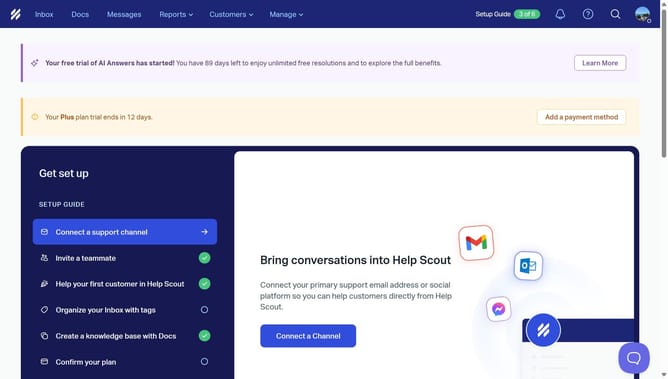
- First, click on the "Inbox" tab in the header menu
- Then, click on the search icon in the top right corner
- Next, click on the search input field and type "tag:" followed by the tag name
- Finally, click on the "welcome" filter in the search results
Why should you search conversations by tag in HelpScout
Help Scout is an intuitive platform designed to streamline customer support interactions.
Searching conversations by tag in Help Scout is a powerful feature that enhances organization and efficiency for support teams. Tags allow easy categorization of conversations, enabling quick access to relevant dialogues.
This feature facilitates more targeted responses and faster resolution times, as team members can swiftly locate and address specific issues. It's a key advantage for maintaining high-quality support and ensuring customer satisfaction.
Last update