How to delete a company property in HelpScout
Here is how to delete a company property in helpscout
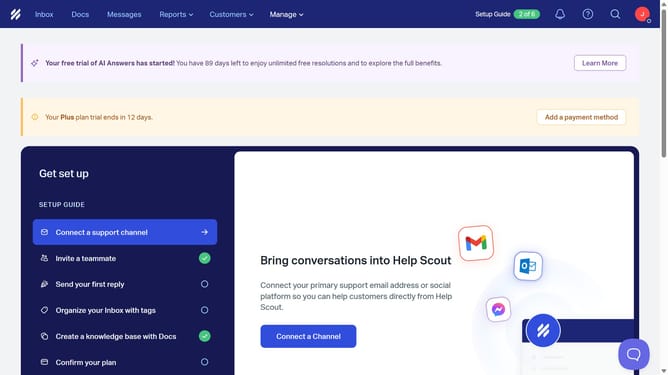
- First click on "Manage" dropdown in the top menu
- Then click on "Properties" item in the dropdown menu
- Next click on "Company Properties" in the left sidebar
- Click on the row of the property you want to delete
- Then click on the "Delete" button
- Finally click on the "Delete" button again to confirm
Why should you delete a company property in HelpScout
Help Scout is an innovative platform designed to streamline customer support for growing businesses.
The feature to delete a company property in Help Scout allows users to maintain an organized and efficient workspace. By removing outdated or incorrect company properties, you ensure accuracy in communication, which ultimately enhances your team's productivity and ensures more personalized customer service.
Leveraging this feature prevents clutter within your Help Scout environment, fostering a more streamlined experience for both support staff and clients.
Last update