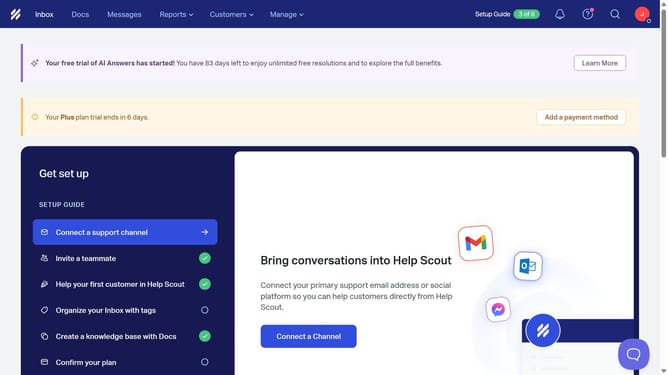
How to upload a profile picture in HelpScout
Here is how to upload a profile picture in helpscout
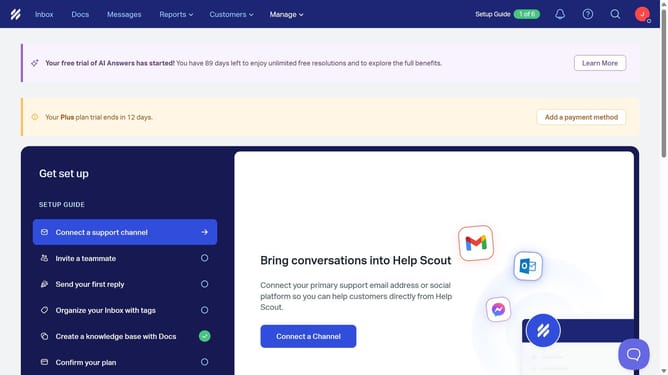
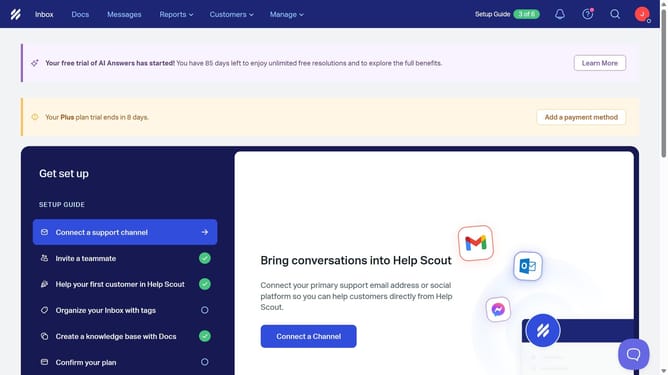
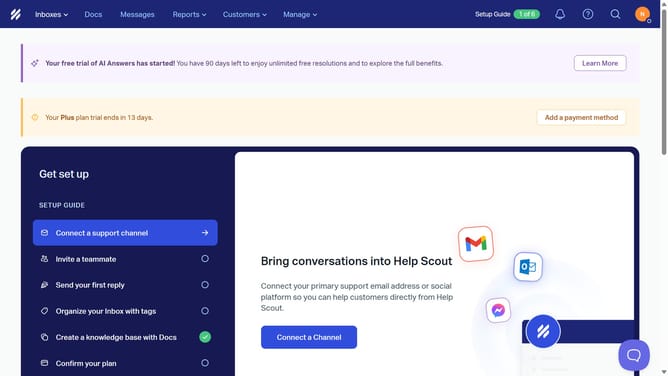
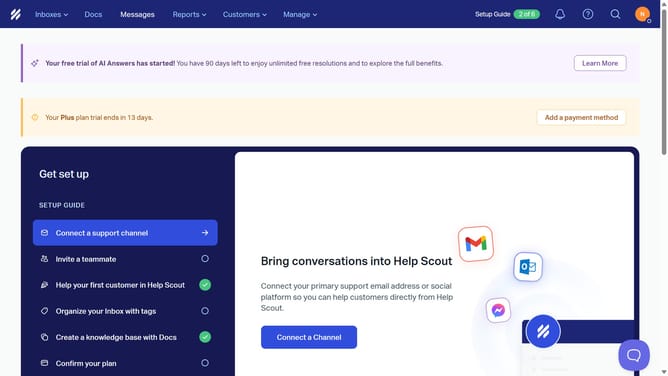
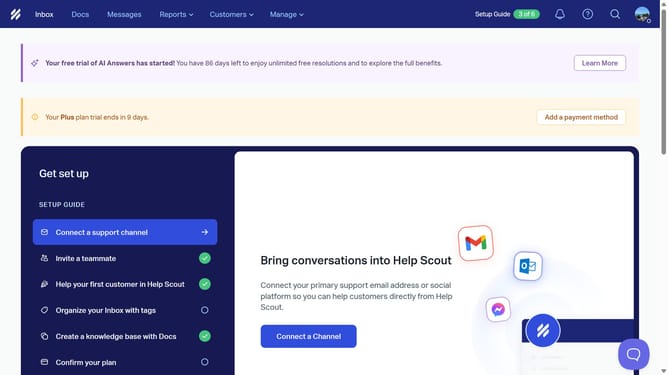
- First click on the profile icon in the top right corner of the header
- Then click on "Your Profile" link in the dropdown menu
- Finally click on the "Upload" button and select your preferred profile picture
Why should you upload a profile picture in HelpScout
Help Scout is a customer support platform designed to foster exceptional customer relationships.
Uploading a profile picture in Help Scout is a simple yet impactful feature that personalizes your account instantly. It creates a more engaging and relatable experience for both you and your customers.
Showcasing a friendly face helps humanize interactions, building trust and familiarity with those you communicate with. Integrating your personal touch in Help Scout can enhance commitments to positive, loyal customer service.
Last update