How to add an emoji in a new message in HelpScout
Here is how to add an emoji in a new message in helpscout
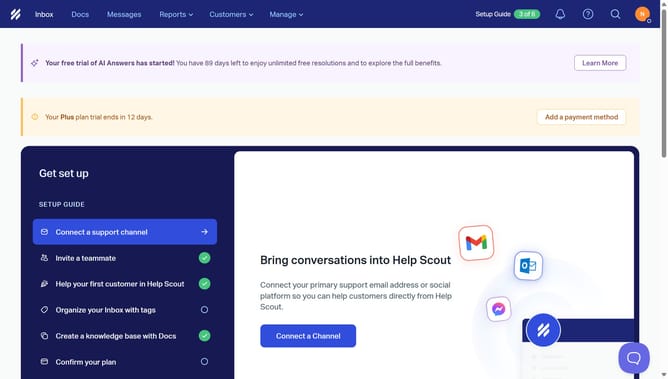
- First click on "Inbox" tab in the header menu
- Then click on the "New Conversation" button in the sidebar
- Next, click on the emoji icon in the message editor toolbar
- Finally select your preferred emoji from the emoji picker
Why should you add an emoji in a new message in HelpScout
Help Scout is a customer service platform designed to enhance communication and improve user engagement.
Adding an emoji to a new message in Help Scout brings personality and warmth to digital interactions. This simple feature allows you to convey emotions quickly and effectively, making customer interactions feel more human and relatable.
Utilizing emojis can lead to faster understanding and response times, creating a more engaging and enjoyable communication experience for both the service provider and the customer.
Last update