How to manage maximum chat settings in HelpScout
Here is how to manage maximum chat settings in helpscout
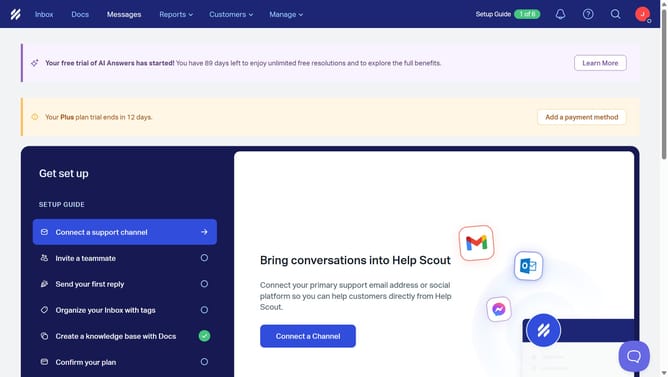
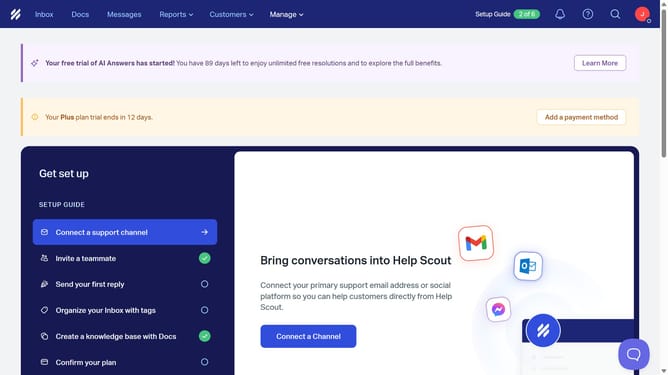
- First click on the profile icon button in the top right corner of the header
- Then click on "Your Profile" option in the dropdown menu
- Then click on the "Maximum Chats" field in the Settings section and enter your preference
- Finally click on the "Save" button at the bottom right of the page
Why should you manage maximum chat settings in HelpScout
Help Scout is a versatile platform designed to enhance customer support and streamline communication.
By managing maximum chat settings in Help Scout, you can optimize your team's workflow effectively. This feature allows you to set a limit on concurrent chats, ensuring that your support agents are not overwhelmed and can provide focused, high-quality interactions.
Moreover, this ensures customers receive prompt and attentive responses, boosting satisfaction and building positive user experiences. Efficient chat management not only enhances service quality but also contributes to a more balanced workload for support teams.
Last update