How to add your location in HelpScout
Here is how to add your location in helpscout
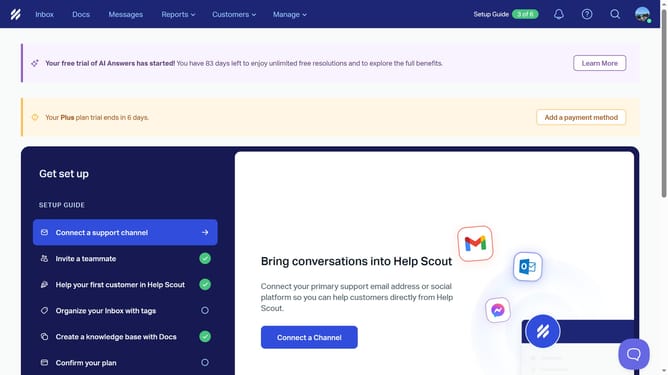
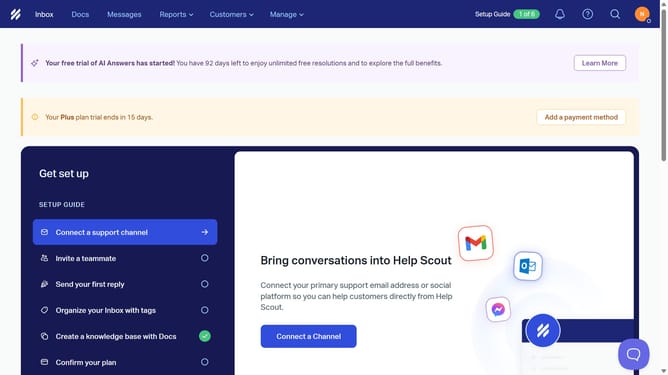
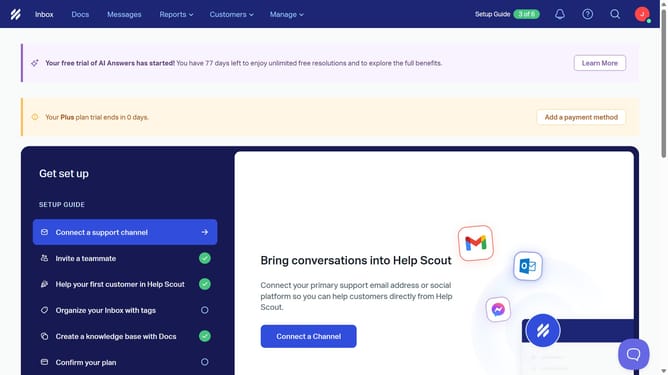
- First click on the profile menu button in the top right corner of the header
- Then click on "Your Profile" option from the dropdown menu
- Next click on the "Location" input field in the profile settings form and insert your location
- Finally click on the "Save" button at the bottom of the settings page
Why should you add your location in HelpScout
Help Scout is a user-friendly platform designed to enhance customer service experiences.
Adding your location in Help Scout is a simple yet powerful feature that boosts team collaboration and responsiveness.
Knowing each other's locations can streamline internal communication, aiding in efficient ticket handling and timely responses.
This feature fosters a sense of connection among team members, no matter where they are in the world, ultimately improving customer satisfaction and operational flow.
Last update