How to change first response time in an SLA in Help Scout
Here is how to change first response time in an sla in help scout
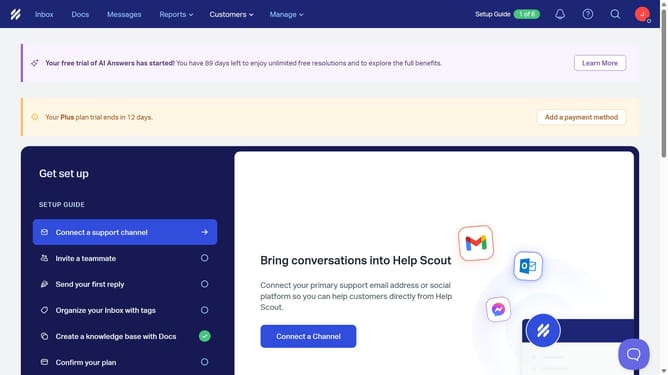
- First click on "Manage" button in the header
- Then select "Inbox" from the dropdown menu
- Next click on the inbox name in the inbox list
- Then select "SLAs" from the left sidebar
- Next click on the SLA name that you want to manage
- Then click on the hours input in the "First response time" section and edit it
- Finally click on the "Save" button
Why should you change first response time in an SLA in Help Scout
Help Scout is a robust platform designed to streamline customer support interactions and enhance team productivity.
The feature to change first response time in an SLA is a practical tool within Help Scout that allows teams to tailor their response times according to their specific workflow needs.
By adjusting this metric, teams can better manage expectations, ensure faster and more efficient customer service, and ultimately strengthen customer relationships.
This flexibility enhances team efficiency while maintaining a high standard of customer satisfaction.
Last update