How to add alternate email in HelpScout
Here is how to add alternate email in helpscout
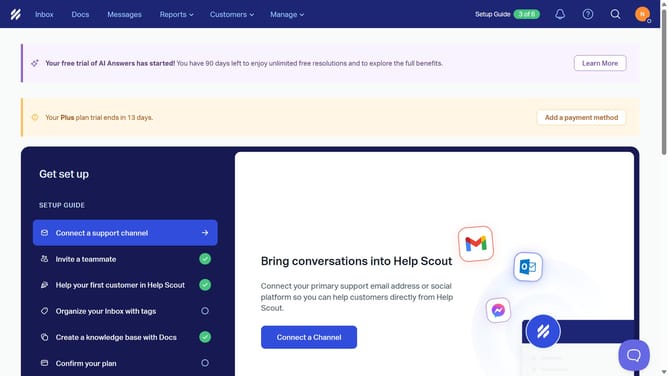
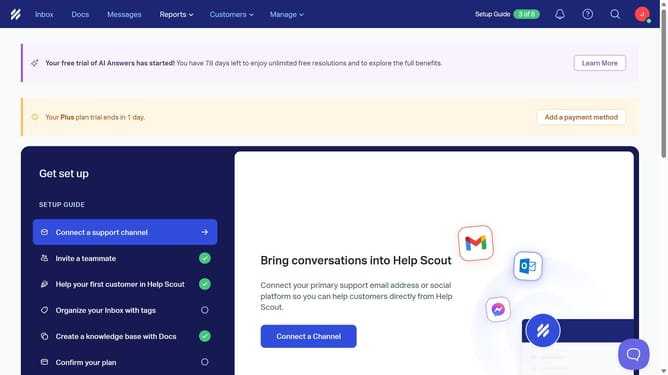
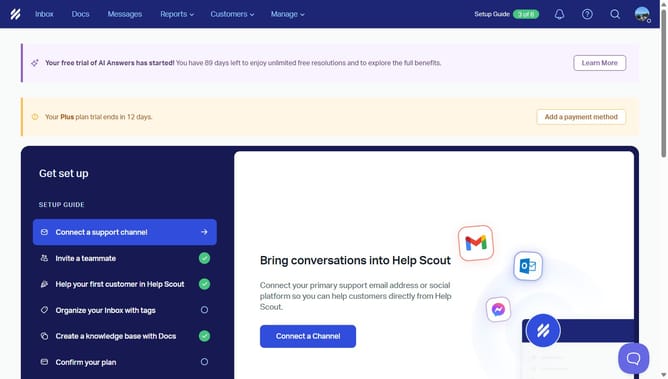
- First click on the profile icon button in the top right corner of the header
- Then click on "Your Profile" option from the dropdown menu
- Then click on the "Alternate Emails" input field in the profile settings form and enter your alternate email
- Finally click on the "Save" button at the bottom of the page
Why should you add alternate email in HelpScout
Help Scout is a comprehensive platform designed to streamline customer support and enhance communication efficiency.
Adding an alternate email in Help Scout is a simple yet powerful feature that offers flexibility. This capability allows you to manage multiple contacts efficiently, ensuring you never miss an important message.
By utilizing alternate emails, teams can maintain a consistent and reliable communication channel with clients, minimizing the risk of losing valuable information. This feature ultimately leads to improved customer satisfaction and seamless team collaboration.
Last update