How to assign conversations in HelpScout
Here is how to assign conversations in helpscout
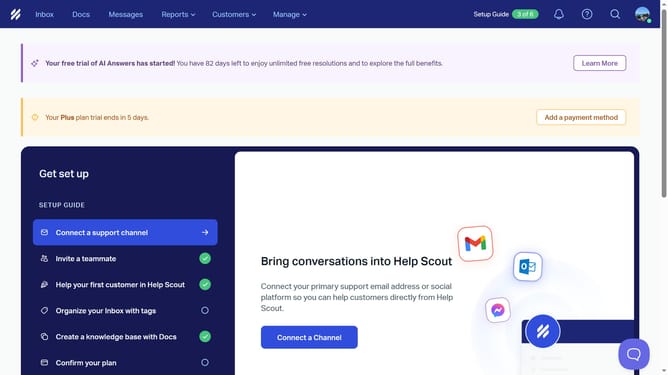
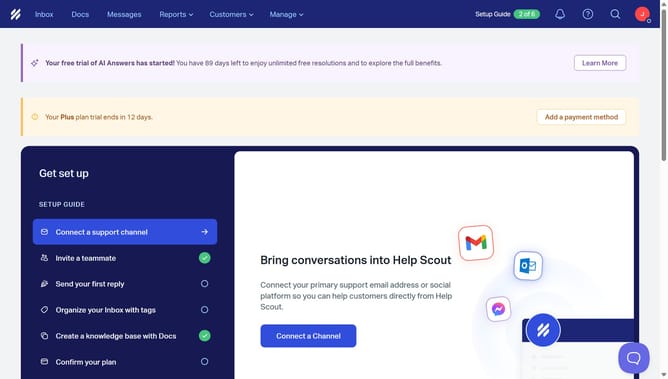
- First click on "Inbox" button in the top navigation menu
- Then click on an item in the conversation list
- Next click on "Assign" button in the conversation toolbar
- Finally select a name from the assignment dropdown menu
Why should you assign conversations in HelpScout
Help Scout is a seamless and user-friendly platform designed to enhance customer support management.
One standout feature of Help Scout is the ability to assign conversations, allowing support teams to efficiently collaborate and manage customer inquiries.
By assigning conversations, team members can ensure that the right person with the appropriate expertise handles specific customer issues, leading to quicker resolutions and increased customer satisfaction.
This feature not only streamlines workflow but also enhances accountability, ensuring each conversation is tracked and addressed promptly.
Last update