How to search untagged conversations in HelpScout
Here is how to search untagged conversations in helpscout
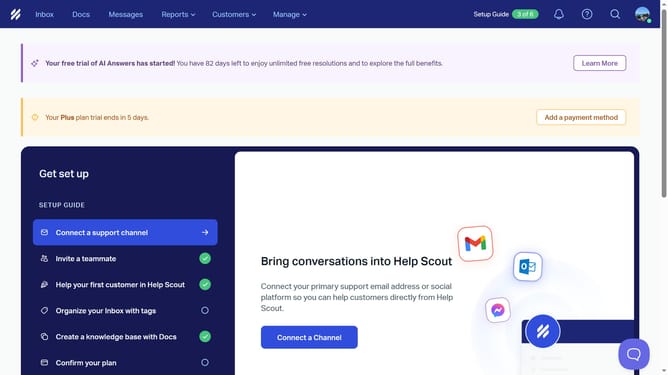
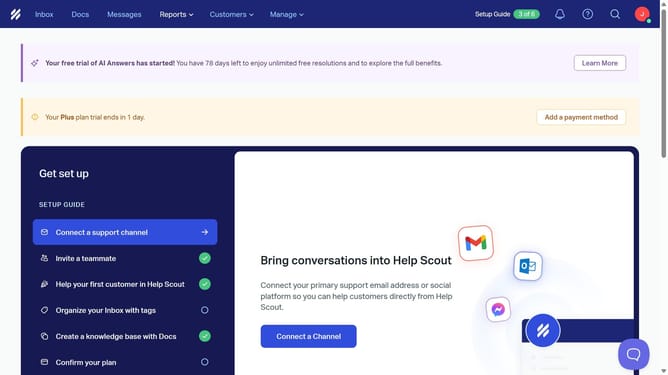
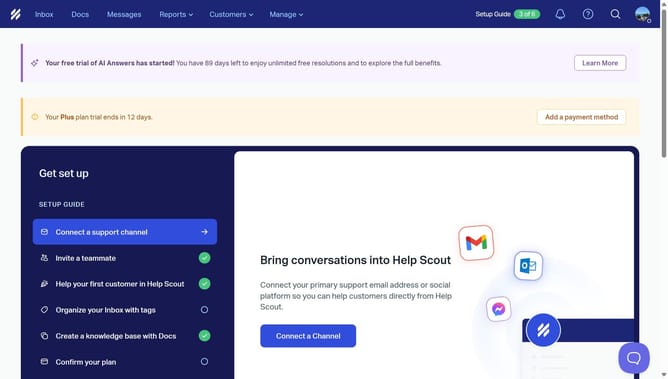
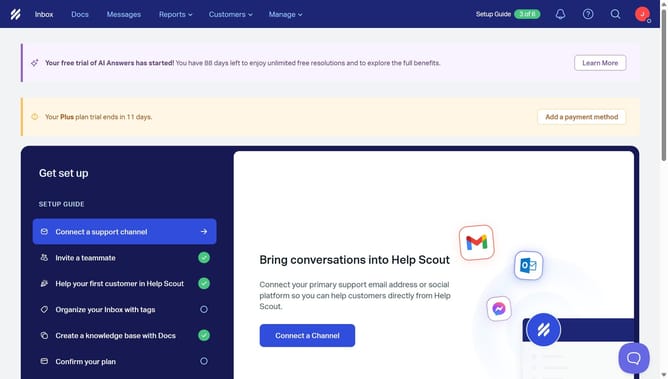
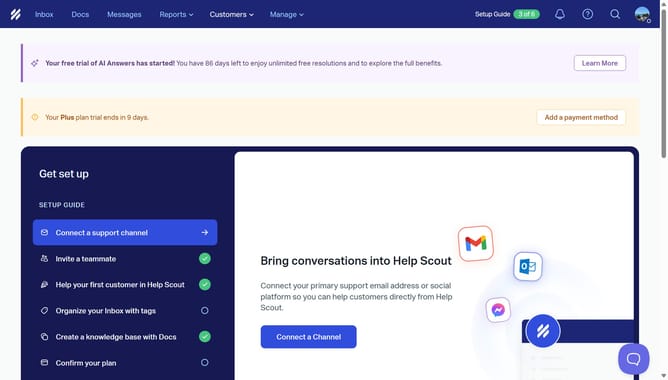
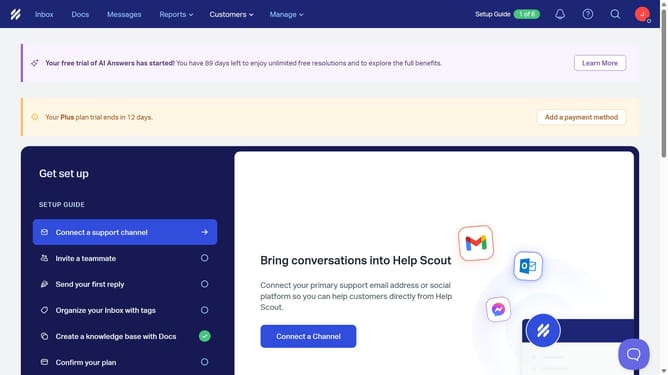
- First, click on the "Inbox" tab in the header menu
- Then, click on the search icon in the top right corner
- Next, click on the search input field and type "tag:untagged"
- Finally, click on the "Untagged" suggestion that appears below the search bar
Why should you search untagged conversations in HelpScout
Help Scout is a customer service platform designed to streamline communication and enhance customer support experiences.
Being able to search untagged conversations in Help Scout offers significant advantages for maintaining organized customer interactions. It allows support teams to quickly identify conversations that need categorization, ensuring no customer query is overlooked.
This feature is crucial for businesses aiming to enhance support efficiency by guaranteeing each conversation is tracked and appropriately addressed. Ultimately, it contributes to seamless customer service management.
Last update