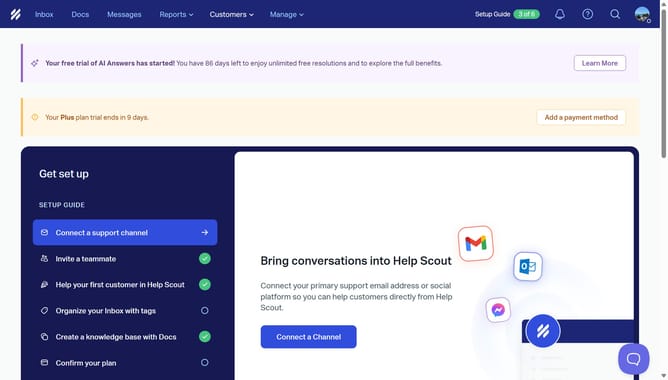
How to create an inbox custom view by status in HelpScout
Here is how to create an inbox custom view by status in helpscout
- First click on the "Inbox" tab in the top menu
- Then click on the "+" icon in the sidebar
- Next click on the "Status" option in the right panel
- Then select the "Active" checkbox
- Next click on the "Untitled View" input field in the top right corner and enter your view title
- Then click on the "Add" button
- Finally click on the "Create" button
Why should you create an inbox custom view by status in HelpScout
Help Scout is a dynamic customer service platform designed to streamline team inbox management and enhance customer interactions.
Creating an inbox custom view by status in Help Scout is a powerful feature that lets teams organize emails more efficiently. It caters to diverse customer needs by allowing users to sort messages based on status categories like "Open," "Pending," or "Closed."
This leads to improved prioritization, faster response times, and a clear understanding of workload for each team member. Such organization fosters a more focused and effective customer service environment. By using this feature, teams can swiftly attend to priority tasks, ensuring customer satisfaction is always top of mind.
Last update