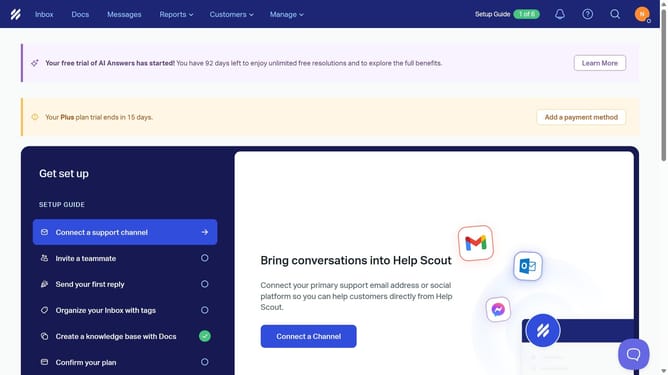
How to remove a conversation into spam folder in HelpScout
Here is how to remove a conversation into spam folder in helpscout
- First click on the "Inbox" tab in the top menu
- Then click on "Spam" in the sidebar
- Click on the message conversation in the spam list
- Then click on the "three vertical dots" icon in the top right corner of the conversation view
- Finally click on the "Not Spam" option from the dropdown menu
Why should you remove a conversation into spam folder in HelpScout
Help Scout is an intuitive customer support platform designed to enhance team collaboration and improve customer service efficiency.
Among its useful features is the ability to move conversations into the spam folder effortlessly. This feature serves to declutter your inbox by ensuring irrelevant or unwanted communications are swiftly categorized.
By leveraging this capability, teams can maintain a streamlined workflow, focusing on valuable customer interactions. It's a simple, yet effective way to prioritize essential support tasks.
Last update