How to set your status as away in HelpScout
Here is how to set your status as away in helpscout
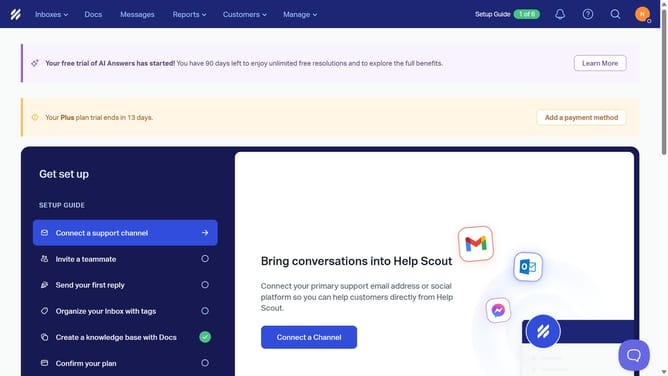
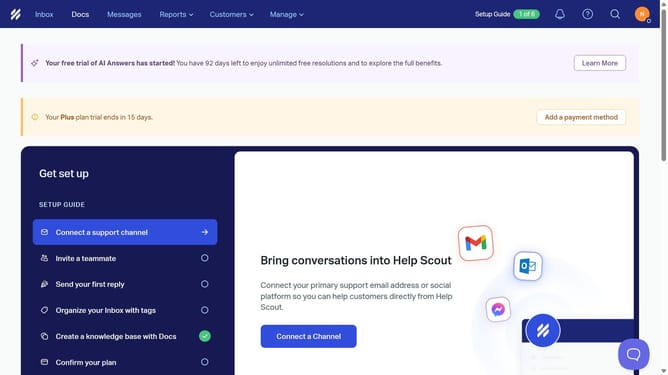
- First click on the user profile icon in the header to open the profile menu
- Then click on the toggle switch to change the status to away
- Finally click on the user profile icon in the header again to see the updated status
Why should you set your status as away in HelpScout
Help Scout is an intuitive customer service software that streamlines support interactions.
Setting your status as "away" in Help Scout ensures transparency with your team and clients, letting them know you’re temporarily unavailable.
This feature is invaluable for managing client expectations and providing uninterrupted personal time without compromising team efficiency.
By utilizing the "away" status, you contribute to a healthy work-life balance while maintaining clear and professional communication.
Last update