How to set your status as active in HelpScout
Here is how to set your status as active in helpscout
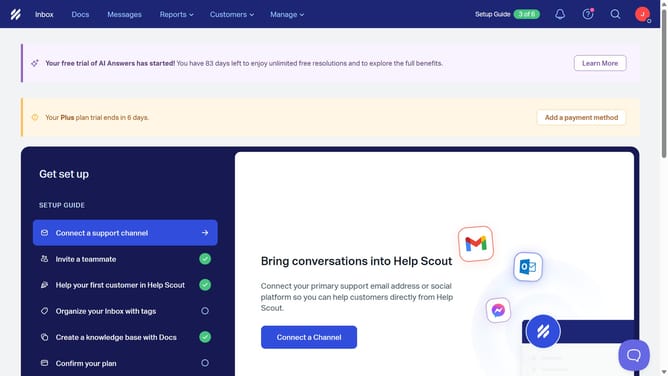
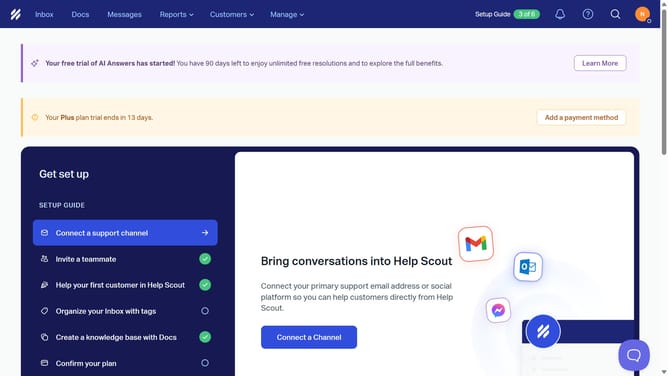
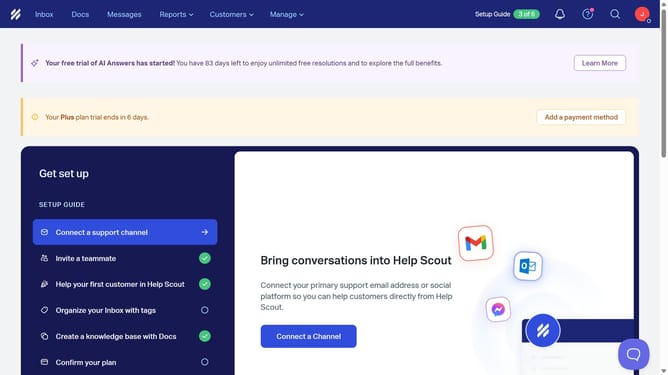
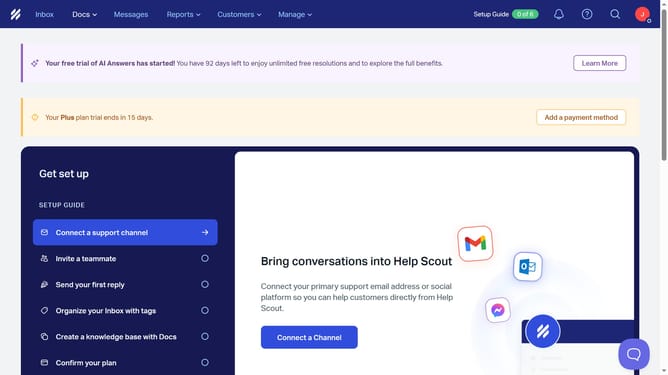
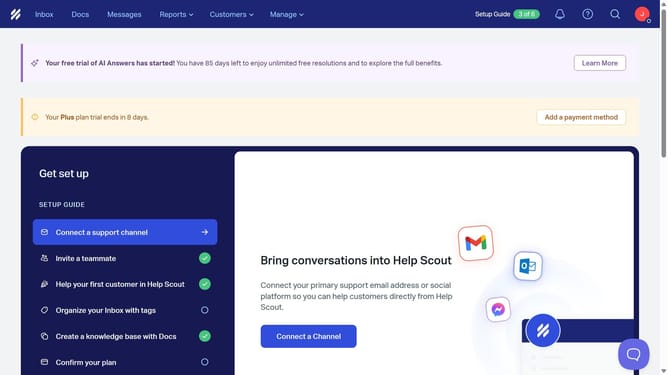
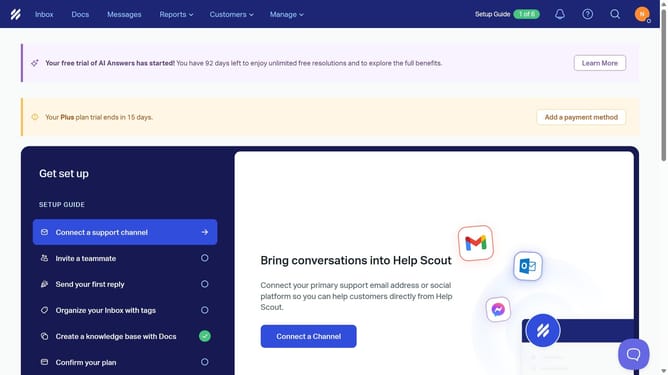
- First click on the user profile icon in the header
- Then click on the toggle switch in the profile section
- Finally click on the user profile icon in the header again to close the dropdown
Why should you set your status as active in HelpScout
Help Scout is a powerful customer support platform designed to enhance communication efficiency and team collaboration.
Setting your status as active in Help Scout allows your team to know you're available for collaboration and customer interactions. This feature fosters a seamless workflow by ensuring that responsibilities are shared effectively, optimizing response times.
Additionally, being active helps maintain transparency within your team, creating an environment where everyone is informed and ready to tackle customer queries promptly and efficiently.
Last update