How to view email reports even after office hours in Help Scout
Here is how to view email reports even after office hours in help scout
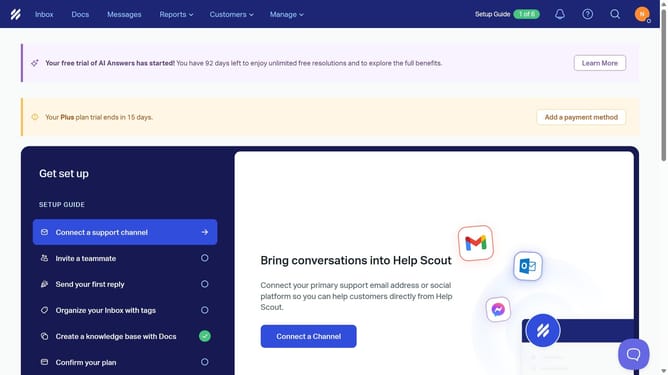
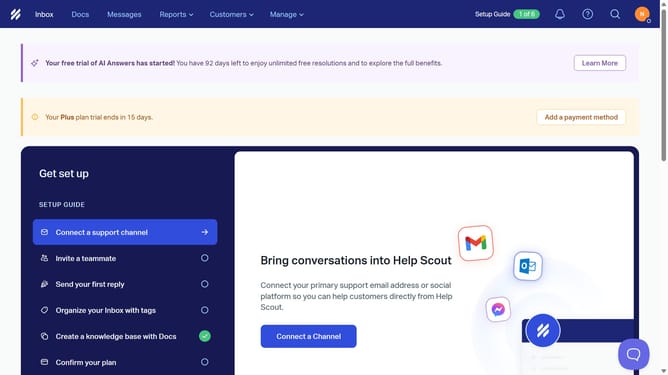
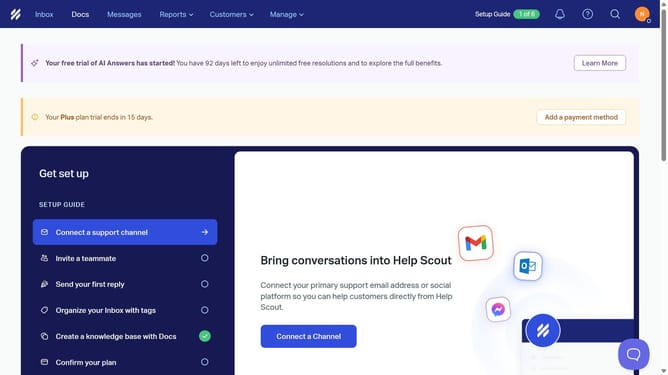
- First click on the "Reports" dropdown in the top menu
- Then select "Email" from the dropdown menu
- Finally click on the "Office Hours" checkbox
Why should you view email reports even after office hours in Help Scout
Help Scout is a robust platform designed to streamline customer support with efficiency and ease.
One of its standout features is the ability to view email reports even after office hours. This feature ensures that you stay informed and up-to-date, allowing for timely decision-making at any hour.
Using this feature is invaluable in maintaining continuous oversight of communication flows, which is crucial for businesses with global clients or those operating across varying time zones. This flexibility enhances workflow management and promotes responsive service delivery.
It empowers teams to remain agile and proactive, contributing to overall client satisfaction and business success.
Last update