How to send later a reply in HelpScout
Here is how to send later a reply in helpscout
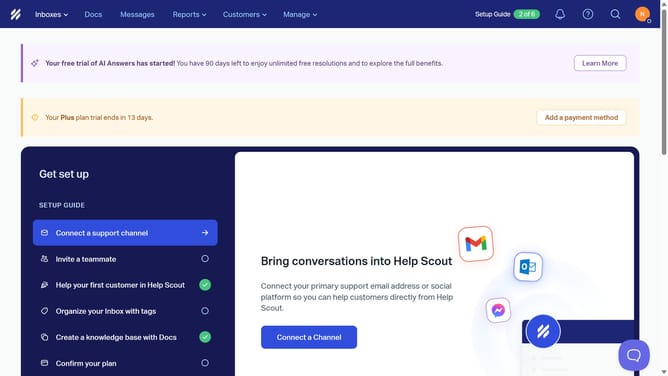
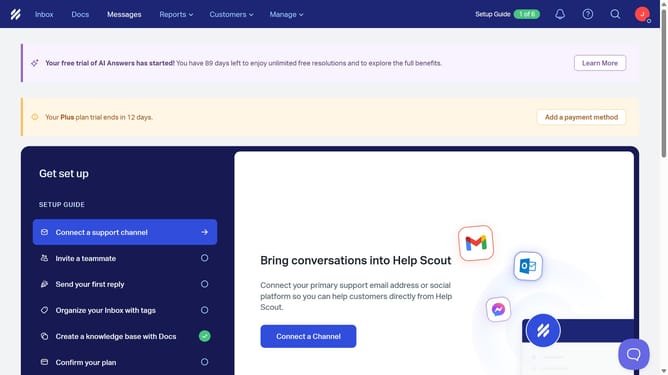
- First click on "Inbox" link in the top navigation menu
- Then click on the first "Help Scout" conversation in the conversation list
- Next click on the "Reply" button to open the reply composer
- Then click on the formatting toolbar area in the reply composer
- Next click on the "Send Later" button in the reply composer toolbar
- Then select an option from the send later scheduling options
- Finally click on the "Schedule" button to schedule the reply
Why should you send later a reply in HelpScout
Help Scout is a customer service platform designed to simplify communication with your clients.
One of its standout features, "Send Later," empowers users to schedule email responses effortlessly. This is particularly beneficial for managing workloads effectively, allowing you to draft responses during off-hours while ensuring they reach clients at optimal times.
With "Send Later," you maintain consistent communication even when you're unavailable, enhancing customer satisfaction and streamlining your team's workflow without missing crucial follow-ups.
Last update