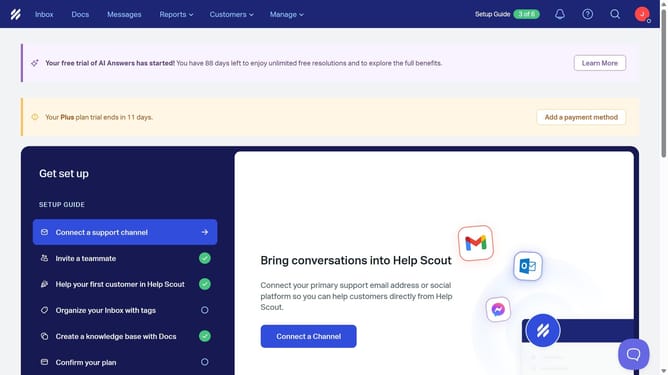
How to delete an inbox folder in HelpScout
Here is how to delete an inbox folder in helpscout
- First click on the " Inbox" menu in the header
- Then, click on the mailbox name that you want to open
- Next click on the settings icon
- Then select "Edit inbox" from the sidebar menu
- Click on the "Delete Inbox" button
- Then enter your password in the password input field
- Finally click on the "Delete Inbox" button to confirm
Why should you delete an inbox folder in HelpScout
Help Scout is a powerful platform designed to enhance customer support and communication.
One of its beneficial features is the ability to delete an inbox folder, providing a streamlined and organized workspace.
This feature helps users maintain a clutter-free inbox, ensuring that only necessary communications are front and center.
By easily removing outdated or irrelevant folders, Help Scout users can increase efficiency and focus on delivering exceptional customer service.
Last update