How to view docs report in Help Scout
Here is how to view docs report in help scout
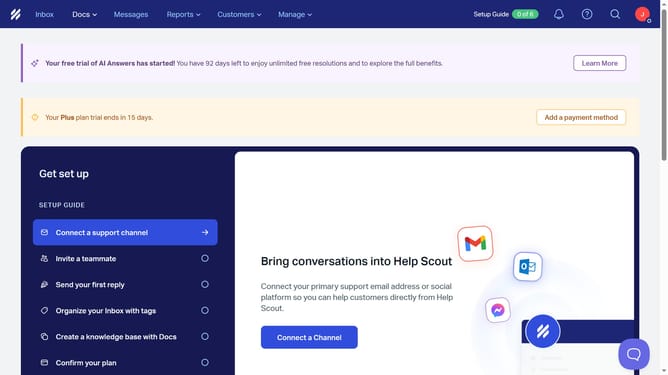
- First click on the "Reports" dropdown in the top menu
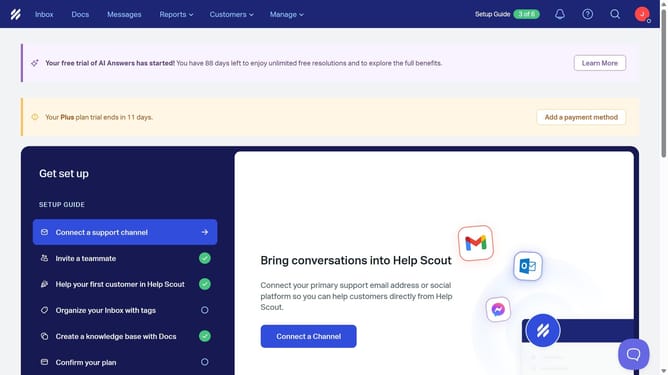
- Then select "Docs" from the reports dropdown menu
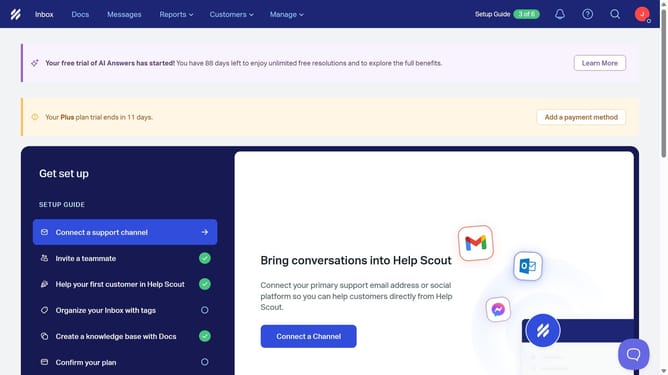
- Finally view the docs report
Why should you view docs report in Help Scout
Help Scout is a dynamic support platform designed to enhance customer service interactions seamlessly.
One remarkable feature within Help Scout is the ability to view Docs reports, which offers a deeper insight into your help articles’ performance and engagement.
Utilizing this feature, businesses can effortlessly track which documents are most helpful, empowering them to refine content strategies for improved customer satisfaction.
This valuable feature ultimately assists in fine-tuning support resources, ensuring users find accurate answers more swiftly.
Last update