How to edit SLA name in Help Scout
Here is how to edit sla name in help scout
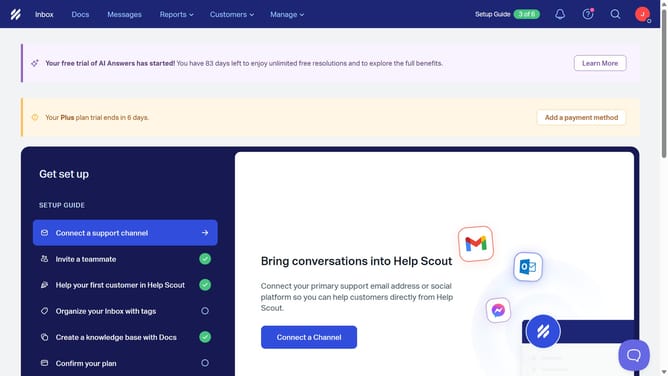
- First click on the "Manage" dropdown in the header
- Then select "Inbox" from the dropdown menu
- Next, click on the inbox name from the inbox list
- Then click on "SLAs" in the left sidebar menu
- After that, click on the name of the SLA policy
- Then click on the SLA name text field and edit
- Finally click on the "Save" button
Why should you edit SLA name in Help Scout
Help Scout is an intuitive platform designed for seamless customer service management.
Within Help Scout, the ability to edit the SLA name provides users with greater control over their service agreements. This feature supports customization, allowing teams to match SLAs with specific client relationships or service levels. It enhances clarity by aligning labels with evolving business needs.
Ultimately, updating an SLA name in Help Scout ensures that your support processes stay tailored and transparent, fostering stronger connections with your clientele.
Last update