How to export email reports in Help Scout
Here is how to export email reports in help scout
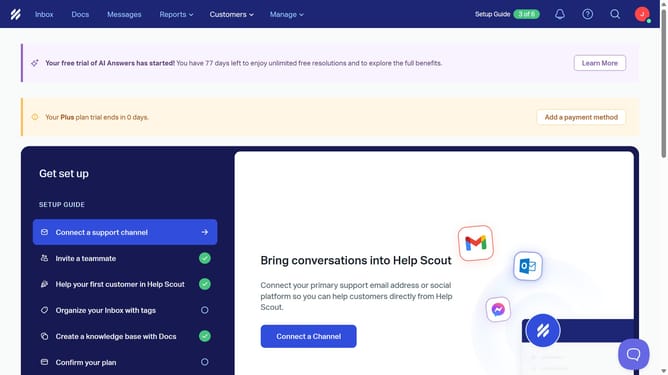
- First click on "Reports" dropdown in the header menu
- Then select "Email" from the reports dropdown
- Click on the download icon in the header
- Select "Export" from the dropdown menu
- Choose an export format
- Then click on the "Export" button
- Finally, lick on the "Huzzah!" button to confirm
Why should you export email reports in Help Scout
Help Scout is a versatile tool designed to streamline customer service interactions with ease and efficiency.
One standout feature is the ability to export email reports effortlessly. This feature provides businesses with valuable insights by allowing them to archive and analyze customer communications in a structured format.
Utilizing this feature means teams can efficiently track performance metrics and trends over time, aiding strategic decisions and improving customer service quality discreetly and reliably.
Last update