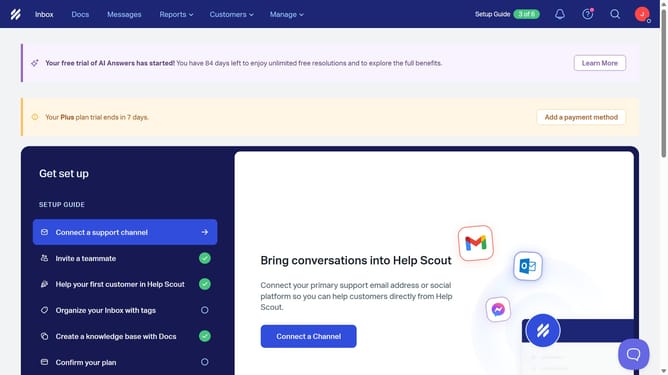
How to add a message in your status in HelpScout
Here is how to add a message in your status in helpscout
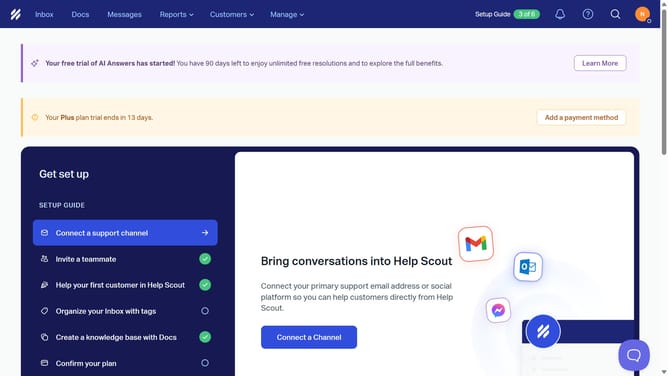
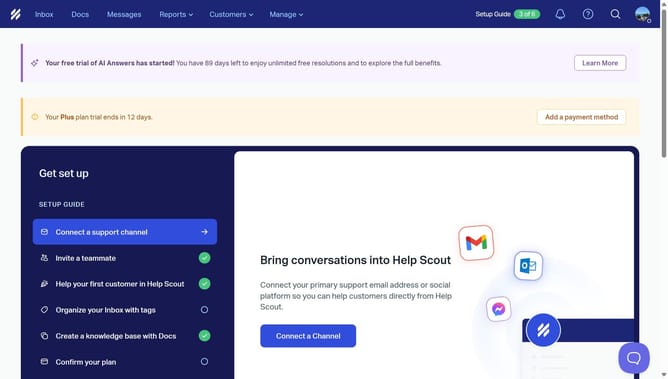
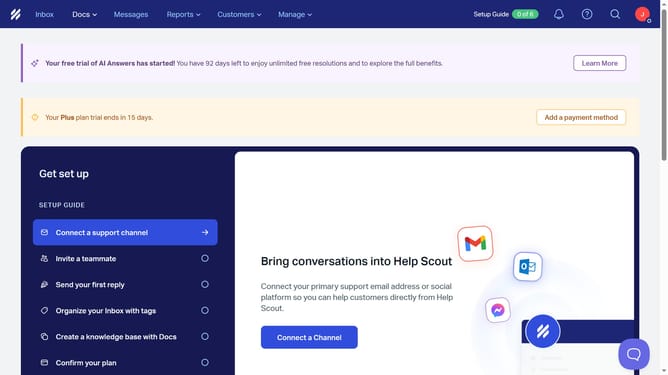
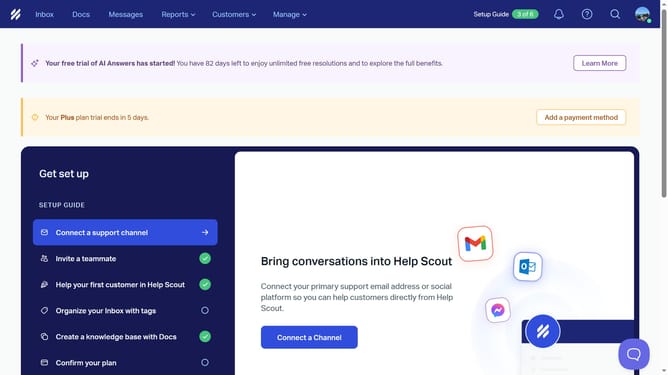
- First click on the user avatar in the top right corner of the header
- Then click on the "What's your status?" field in the dropdown menu
- Next click on "What's your status?" text input field and enter your message status
- Finally click on the "Save" button
Why should you add a message in your status in HelpScout
Help Scout is an intuitive platform designed to simplify and enhance customer support interactions.
Adding a message to your status in Help Scout is a powerful feature that allows you to communicate your availability or important updates to your team and customers. This feature helps in maintaining workflow transparency, ensuring everyone is on the same page.
By utilizing this feature, you can manage expectations effectively, fostering a more organized and responsive customer service environment.
Last update