How to enable auto BCC email address in HelpScout
Here is how to enable auto bcc email address in helpscout
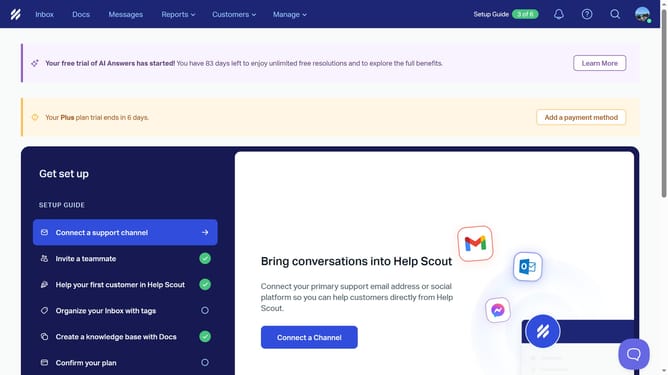
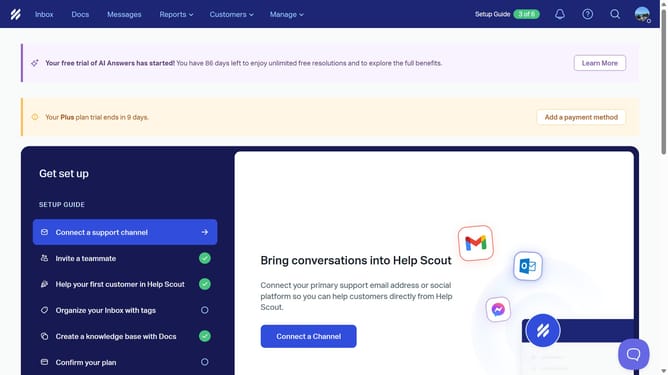
- First click on the profile icon button in the top right corner of the header
- Then click on "Your Profile" option in the dropdown menu
- Then click on "Auto Bcc" option in the left sidebar menu
- Then click on the "Enable" toggle switch
- Then click on the "Bcc Address" text input field
- Then click on the checkbox next your preferred inbox under Inboxes section
- Then click on the checkbox next to "Pacific Horizon Solutions Inc." under Inboxes section
- Finally click on "Save" button
Why should you enable auto BCC email address in HelpScout
Help Scout is a seamless platform designed to enhance customer support experiences through efficient collaboration and communication.
Enabling the auto BCC email address feature in Help Scout is a simple yet powerful tool that can greatly enhance your communication management.
This feature allows every outgoing email to be automatically copied to a designated address, ensuring consistent record-keeping and oversight.
Using this feature not only increases transparency but also improves accountability and helps maintain a comprehensive email history effortlessly.
Last update