How to get notified when a contact replies to a chat in HelpScout
Here is how to get notified when a contact replies to a chat in helpscout
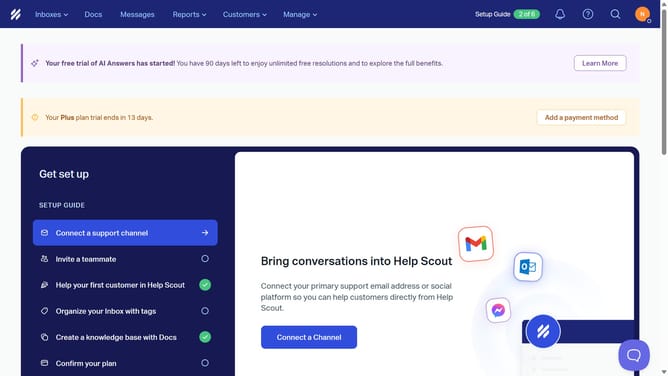
- First click on the user profile icon in the top right corner of the header
- Then click on "Your Profile" option in the dropdown menu
- Next, click on the "Notifications" tab in the left sidebar
- Then select the desired notification option by clicking on the checkbox
- Finally click on the "Save" button to apply the changes
Why should you get notified when a contact replies to a chat in HelpScout
Help Scout is a user-friendly platform designed to enhance customer service experiences.
One standout feature is receiving notifications when a contact replies to a chat. This instant update keeps you connected and responsive, ensuring no communication is missed.
Using this feature enhances efficiency, enabling swift responses and fostering better customer relationships. With timely alerts, your team stays on top of interactions, leading to improved satisfaction and engagement.
Last update