How to add additional company in an SLA in Help Scout
Here is how to add additional company in an sla in help scout
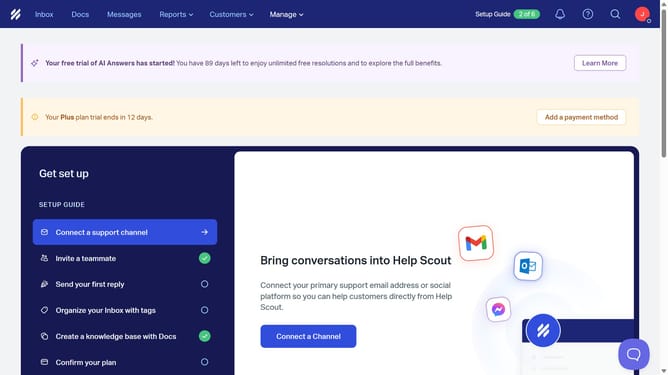
- First click on "Manage" dropdown in the header menu
- Then select "Inbox" from the dropdown menu
- Next click on the row with inbox name
- After that click on "SLAs" in the sidebar
- Then click on the SLA name policy
- Next click on the "Company is" dropdown in the Conditions section
- Then click on the "Add" button
- Next select company from the company list
- Then click on the "Save" button
- Finally click on the "Save" button at the bottom of the page
Why should you add additional company in an SLA in Help Scout
Help Scout is a customer service platform designed to make managing support as simple and effective as possible.
An essential feature is the ability to add additional companies in a Service Level Agreement (SLA). This flexibility ensures that growing businesses or those managing multiple clients can provide tailored support strategies according to individual company needs.
By adding more companies to an SLA, customer service teams can efficiently track and meet distinct service deadlines, enhancing overall client satisfaction and fostering long-term relationships.
Last update