How to delete a contact in HelpScout
Here is how to delete a contact in helpscout
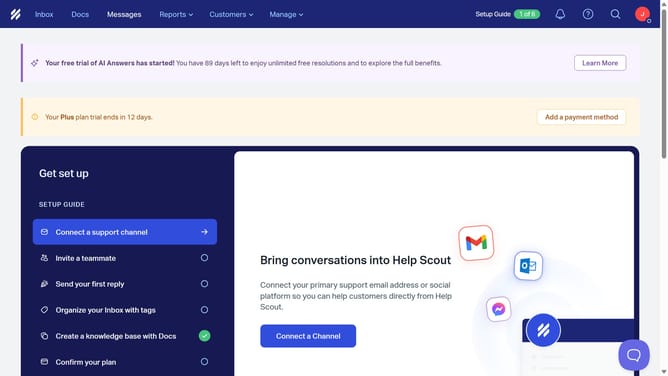
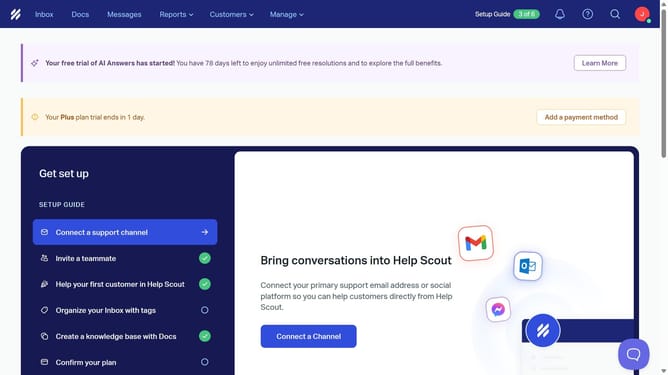
- First click on "Customers" dropdown in the top menu
- Then select "Contacts" from the dropdown menu
- Next, click on the contact you want to delete
- Then click on the "Delete contact" button
- After that, type the word "DELETE" into the input field
- Finally, click on the "Delete Contact" button
Why should you delete a contact in HelpScout
Help Scout is a versatile platform designed to seamlessly streamline customer-focused communications.
Efficiently managing contacts is crucial, and Help Scout makes this process simple by allowing easy contact deletion.
This feature helps maintain an organized contact list, ensuring only relevant data is retained, which enhances productivity and focus.
By removing outdated or unnecessary contacts, teams can improve efficiency, ultimately fostering more meaningful client interactions.
Last update