How to add agents in Zendesk
Here is how to add agents in zendesk
- First click on your profile icon in the top-right corner of the header
- Then click on "View profile" in the dropdown menu
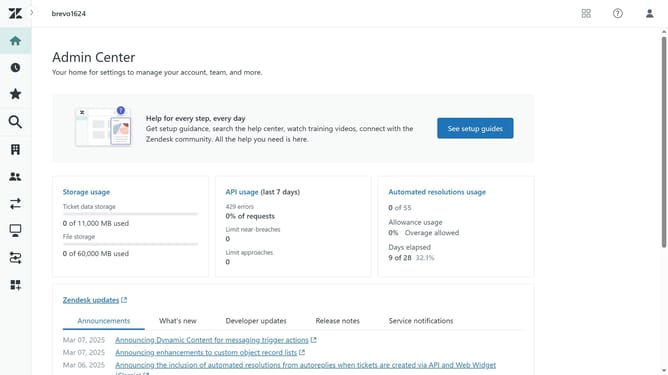
- Next in the left panel, click "Manage in Admin Center"
- Click on the "People" icon in the left sidebar
- Click on "Team members" under the Team section
- Click the "Create team member" button in the top-right corner
- Enter the new agent's name in the Name field
- In the Email field, type the agent's email address
- Next click the "Next" button to proceed
- Click on the "Support Role" dropdown
- Then select the role you want to give the new agent from the role dropdown menu
- Finally click the "Save" button to create the agent and add him to your team
Why should you add agents in Zendesk
Zendesk is a comprehensive customer service platform designed to enhance and streamline customer interactions.
The ability to add agents in Zendesk is a vital feature to ensure your customer support team is fully capable of handling increasing ticket volumes.
By efficiently onboarding new agents, businesses can maintain a swift, organized, and responsive service environment.
This feature enables teams to scale quickly, distribute workload evenly, and provide exceptional support, ensuring customer satisfaction and brand loyalty.
Last update