How to add a user field in Airtable
Here is how to add a user field in airtable
- First, navigate to your preferred base and open the table where you want to add a user field
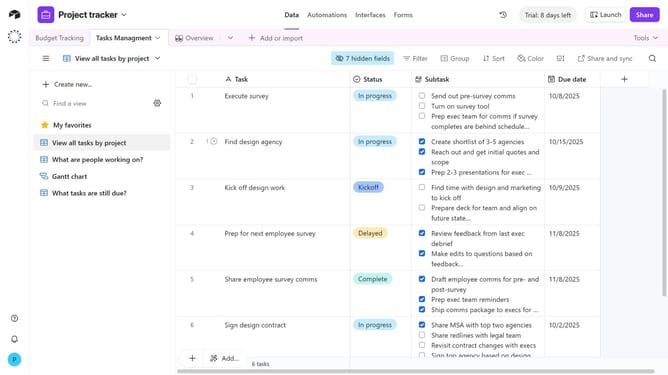
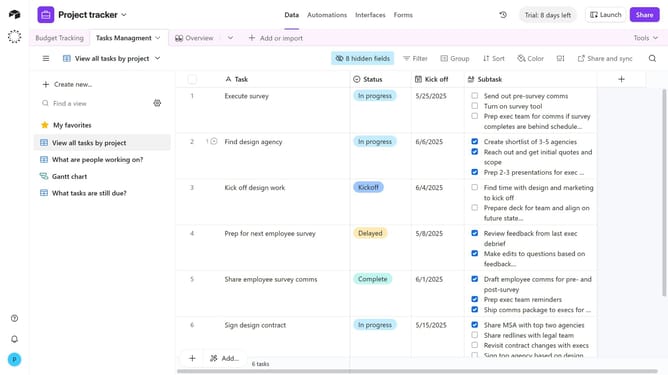
- Next click the “+” button at the far right of your table column
- Then, select “User” from the field type dropdown menu
- Enter a name for your field in the field name input
- You can toggle “Allow multiple users” and “Notify users with base access when they're added” based on your preferences
- Next add a default option if needed
- Finally click the "Create field" button to create the new user field
- Your new User field has now been added, and you can start assigning collaborators to records
Why should you add a user field in Airtable
Airtable is a versatile platform that seamlessly integrates the functionality of a spreadsheet with a relational database to enhance productivity.
By adding a user field in Airtable, teams can assign tasks efficiently and enhance collaboration. This feature allows for clear allocation of responsibilities, ensuring everyone knows their role in a project.
Utilizing user fields not only streamlines communication but also fosters accountability, making it an invaluable tool for teams striving for excellence in project management.
Last update