How to prevent viewers from copying data in your shared view in Airtable
Here is how to prevent viewers from copying data in your shared view in airtable
- First, navigate to the base and open the table containing the view
- Open the view sidebar and select the view you want to configure
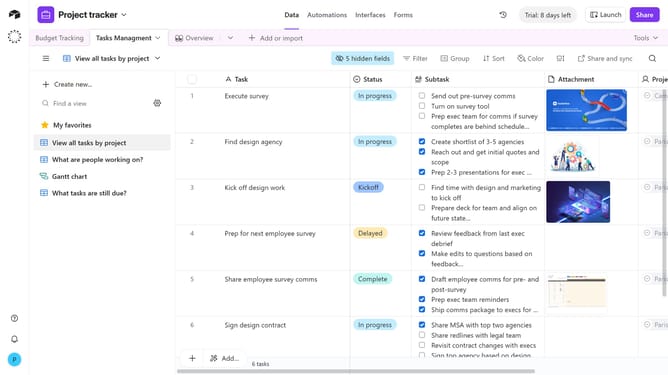
- Next click on the "Share and sync" button in the top toolbar
- Then click on "Link settings" option in the share menu
- Finally toggle off the option “Allow viewers to copy data out of this view”
- Now, viewers accessing this shared view will not be able to copy records or export data
Why should you prevent viewers from copying data in your shared view in Airtable
Airtable is a dynamic platform designed to empower teams to organize work seamlessly.
Preventing viewers from copying data in your shared view ensures the protection of sensitive information.
This feature adds an extra layer of security, giving you peace of mind when sharing data with external stakeholders.
By restricting data copying, you maintain control over your valuable datasets, fostering an environment of trust and professionalism.
Embrace Airtable's robust features to streamline your workflow while safeguarding your data.
Last update