How to change a primary field in Airtable
Here is how to change a primary field in airtable
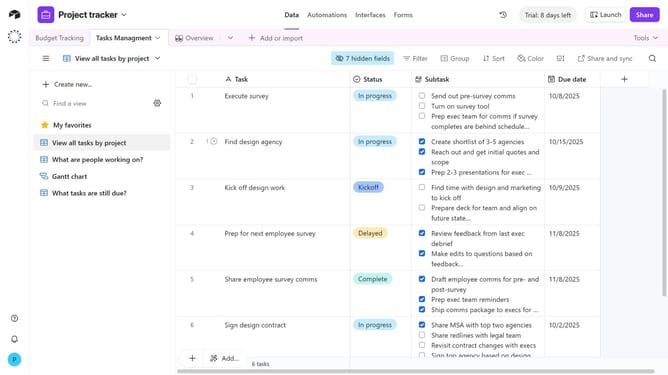
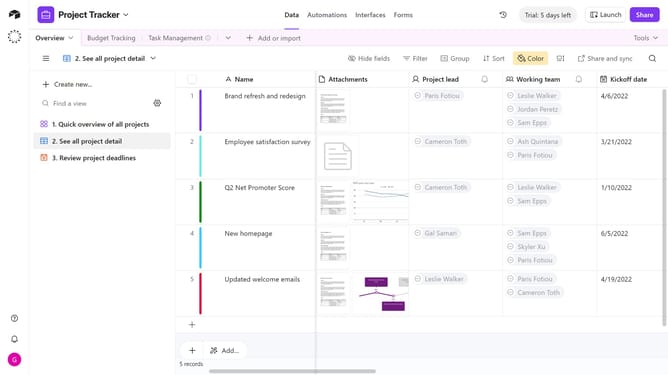
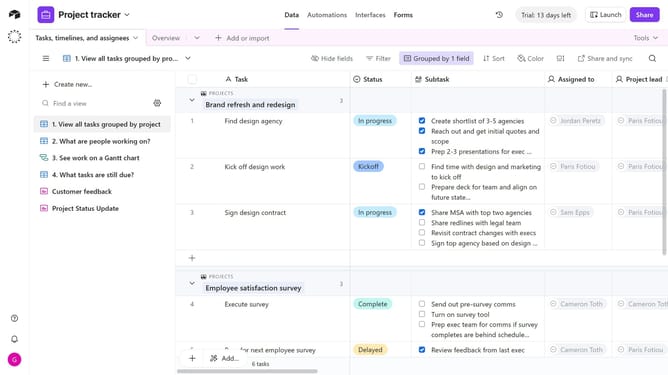
- First, navigate to your base and open the table where you want to change the primary field
- Next click the dropdown arrow next to the current primary field
- Then select "Change primary field" from the column header menu
- Click on the primary field dropdown in the modal window
- Then choose the new field type from the field options list
- Finally click the "Change primary field" button to apply the changes
Why should you change a primary field in Airtable
Airtable is a powerful, flexible platform that combines the best of a spreadsheet and database for organizing projects.
Changing a primary field in Airtable enhances your ability to customize how your data is represented. This feature allows users to set a primary field that captures the most important aspect of their data, ensuring clarity and focus.
With this capability, managing and updating your data becomes more intuitive. It helps align your database structure with team objectives, ensuring everyone stays on the same page.
Last update