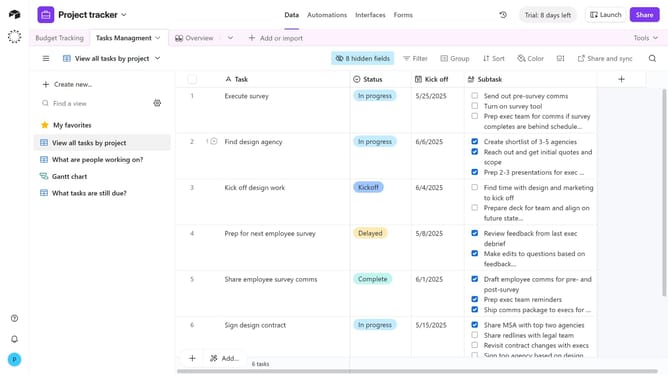
How to star a base in Airtable
Here is how to star a base in airtable
- First navigate to your Airtable home screen
- Next locate the base you want to favorite
- Then hover over the base and a star icon will appear in the top-right corner
- Finally click the star icon to mark the base as a favorite
Why should you star a base in Airtable
Airtable is an intuitive platform designed to streamline and enhance your organizational and collaborative efforts.
Starring a base in Airtable is a simple yet impactful feature that allows users to prioritize their most important projects. By starring a base, it ensures that critical information is always at your fingertips, enabling quicker access and increased productivity.
This feature is especially beneficial for teams managing multiple projects, as it helps maintain focus and improves workflow efficiency. Embracing this tool can transform the way you navigate and manage your resources.
Last update