How to edit your email address in Airtable
Here is how to edit your email address in airtable
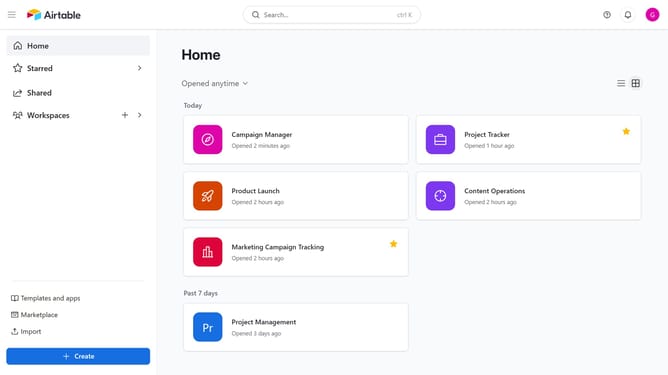
- First navigate to your home screen and click on the profile icon in the top-right corner of the header
- Next click on "Account" option in the dropdown menu
- Click on the "Overview" tab in the account settings sidebar
- Then click on the "Edit email" button next to the email address
- Enter your new email address in the "New email address" field
- Next enter your current password in the "Current password" field
- Finally click the "Save email" button to update your email address
- Your email address has been successfully updated in Airtable
Why should you edit your email address in Airtable
Airtable is an innovative cloud-based platform that combines the simplicity of a spreadsheet with the power of a database to streamline team collaboration.
Editing your email address in Airtable is a straightforward feature that enhances your personal and professional communication experience within the platform.
By updating your email, you ensure seamless communication, accurate notifications, and maintain important data security, which altogether supports effective project management and team collaboration.
This flexibility ultimately empowers you to manage your profile efficiently, reflecting current and relevant contact information.
Last update