How to edit a form description in Airtable
Here is how to edit a form description in airtable
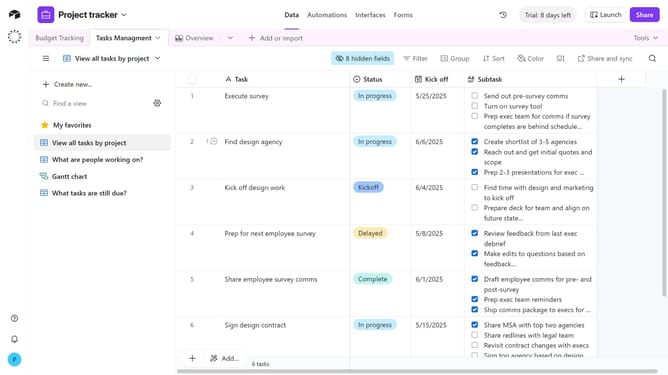
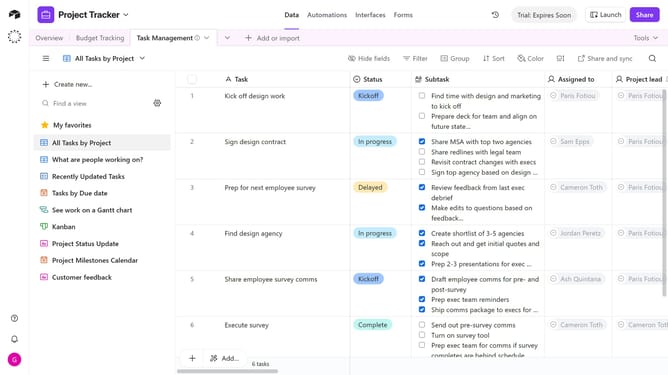
- First navigate to a base and click on the "Forms" tab in the top navigation menu
- In the forms list, select the form you want to edit
- At the top of the form, just below the form title, find your current description
- Then click inside the description box to edit the text as needed
- Once you’ve finished editing, click the "Publish" button in the top-right corner to update the live form
Why should you edit a form description in Airtable
Airtable is a versatile platform that combines the simplicity of a spreadsheet with the power of a database, fostering efficient data management and collaboration.
Editing a form description in Airtable refines your form's presentation, ensuring the information it conveys is clear, engaging, and precise. This feature allows you to inject important context or instructions directly into your form, enhancing user understanding and engagement.
Using this feature, not only enhances the clarity of data collection but also significantly improves user experience, resulting in more accurate and efficient data entry.
Last update