How to manually empty base trash in Airtable
Here is how to manually empty base trash in airtable
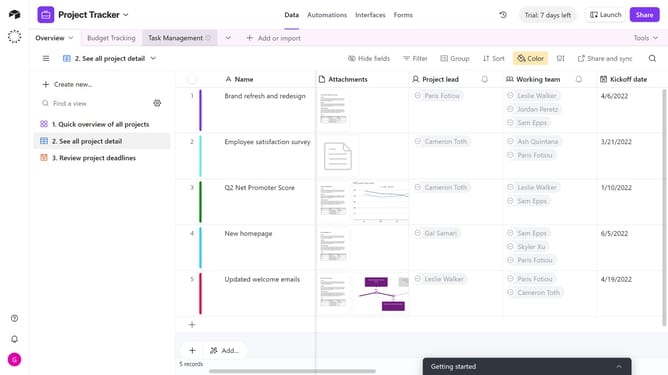
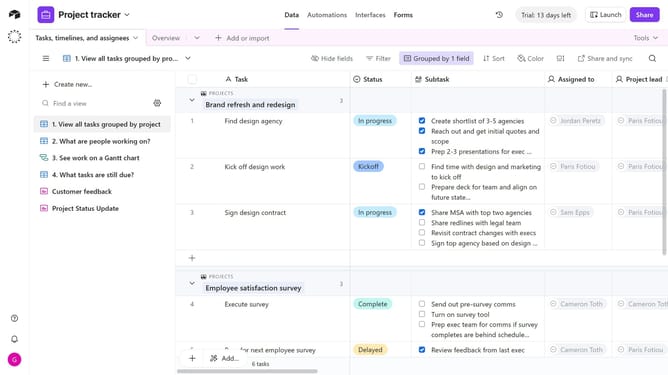
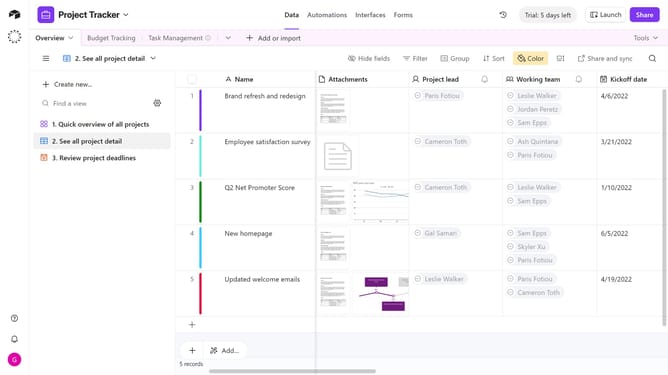
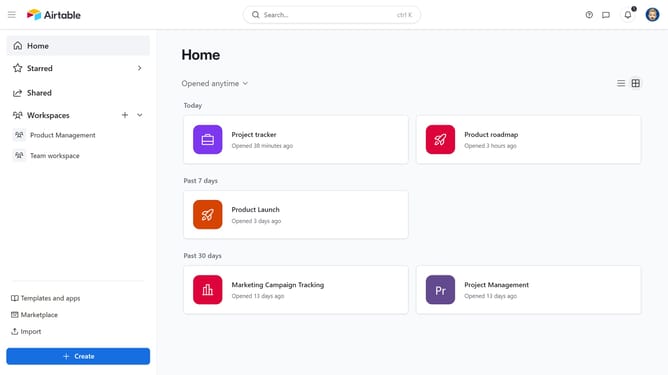
- First open the base whose trash you want to empty
- Next click on the "Base history" icon in the top toolbar
- Click on the "Trash" option in the dropdown menu
- Then click on "Empty trash" button in the top-right corner of the Trash modal window
- Finally click the "Empty" button in the confirmation dialog
Why should you manually empty base trash in Airtable
Airtable is a flexible platform designed for building collaborative applications with ease and efficiency.
One of its handy features is the ability to manually empty the base trash. This capability ensures that your workspace stays organized by allowing you to permanently remove unwanted records, making data management more streamlined.
Regularly emptying the base trash not only prevents clutter but also enhances data retrieval speed. By maintaining a clean and efficient database, you ensure that collaborators can access valuable information swiftly and seamlessly.
Last update