How to find an interface ID in Airtable
Here is how to find an interface id in airtable
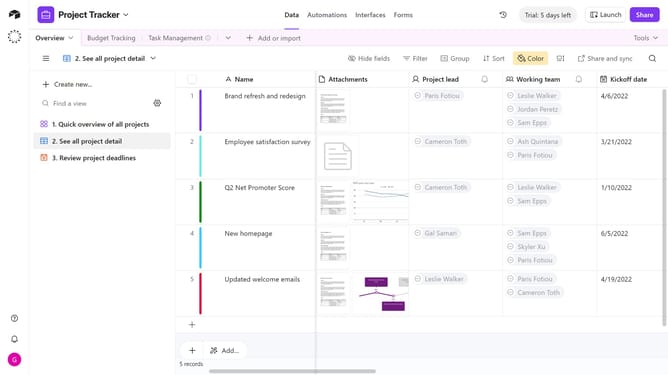
- First click on a base from the Airtable home screen
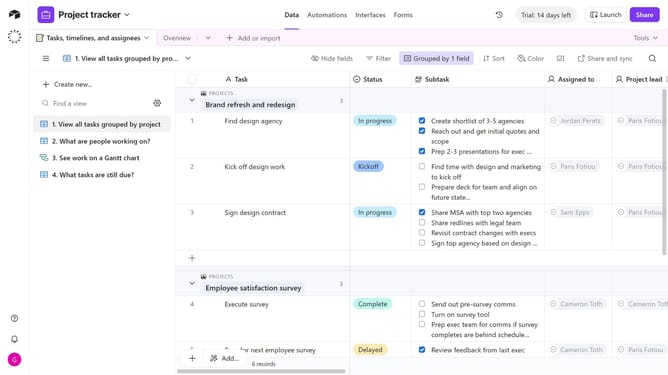
- Next click the Interfaces tab to access interface design tools
- Then once the interface is open, look at the URL in your browser’s address bar. The interface ID is the section that begins with “pag”
Why should you find an interface ID in Airtable
Airtable is a versatile platform designed to streamline organization and collaboration by offering a powerful blend of a spreadsheet and a database.
Finding an interface ID in Airtable enhances your productivity by ensuring seamless integration and customization within your workflows.
This feature is particularly beneficial for developers and teams using Airtable in complex operations, allowing for precise referencing and automated process optimization.
Embrace the efficiency and control that come with identifying and utilizing interface IDs in your Airtable environment.
Last update