How to add a countdown extension to a base in Airtable
Here is how to add a countdown extension to a base in airtable
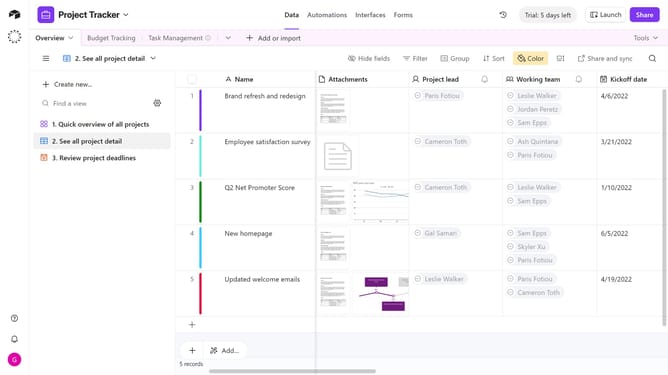
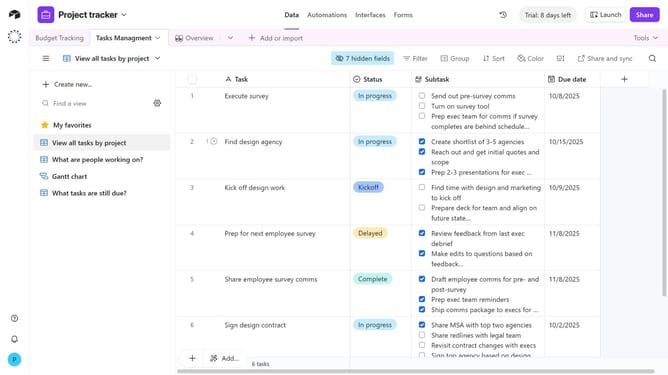
- First, open the base where you want to add the countdown extension
- Next click on the "Tools" dropdown menu in the top toolbar
- Click on "Extensions" in the dropdown list
- Then click the "Add an extension" button in the extensions panel
- In the search field, enter "Countdown" to find the extension
- Next, click the "Add" button next to the Countdown extension
- When prompted, click the dropdown menu and select which dashboard to add the Countdown extension to
- Finally, click the "Add extension" button to confirm
- You have successfully added the Countdown extension to your base. You can now configure the countdown timer as needed
Why should you add a countdown extension to a base in Airtable
Airtable is a versatile platform designed to streamline data management with a user-friendly interface.
Adding a countdown extension to a base in Airtable enhances your project management by providing a visual cue for upcoming deadlines.
This feature is particularly beneficial as it keeps teams aligned and focused, ensuring that tasks are completed on time.
Countdowns create urgency, enhance productivity, and improve overall workflow by constantly keeping priorities in check.
Last update