How to add a CSV import extension to a base in Airtable
Here is how to add a csv import extension to a base in airtable
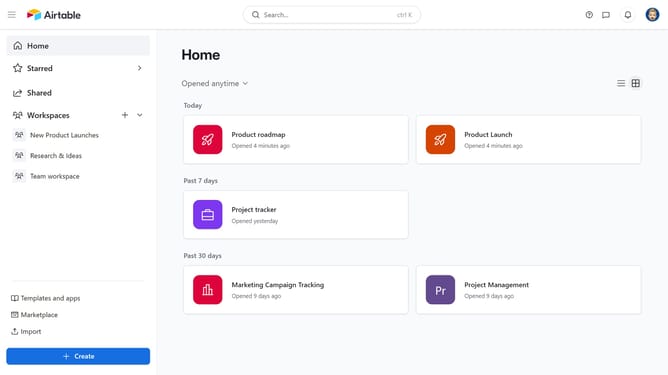
- First, open the base where you want to add the extension
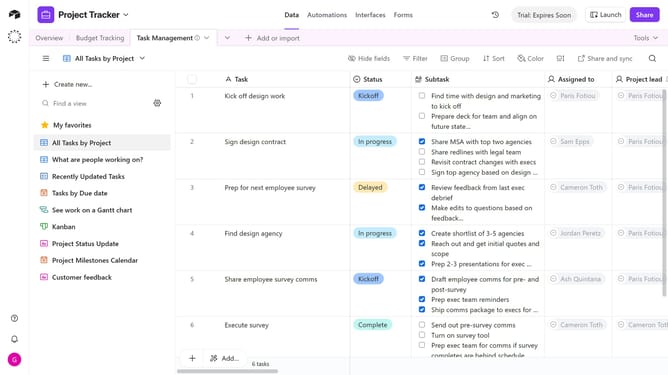
- Next click on the "Tools" dropdown menu in the top toolbar
- Click on the "Extensions" option in the tools menu
- Then click the "Add an extension" button in the extensions panel
- Click on the search box and enter "CSV import" to find the extension
- Click the "Add" button next to the CSV import extension
- When prompted, click the dropdown menu and select which dashboard to add the CSV Import extension to
- Finally click the "Add extension" button to confirm installation
- The CSV Import extension has been added to your base. Click on the drag and drop area to select a CSV file for import
Why should you add a CSV import extension to a base in Airtable
Airtable merges the simplicity of spreadsheets with the power of a database, offering a versatile platform to organize and manage information effectively.
Integrating a CSV import extension into an Airtable base significantly enhances the productivity of data handling. This feature allows effortless importing of structured data from CSV files directly into Airtable, streamlining the workflow and reducing manual data entry.
By leveraging this feature, users can swiftly synchronize large datasets, maintain data consistency, and ensure that their Airtable bases are always updated with the latest information. This ultimately leads to improved decision-making and more time for critical tasks.
Last update