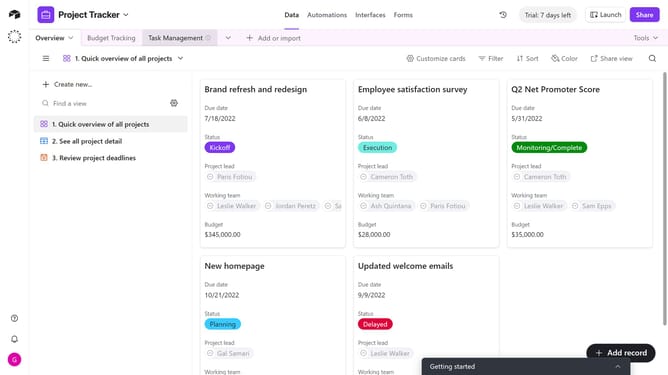
How to find a base ID from a URL in Airtable
Here is how to find a base id from a url in airtable
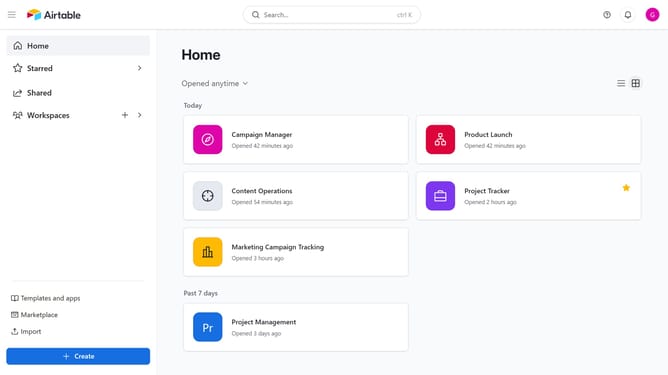
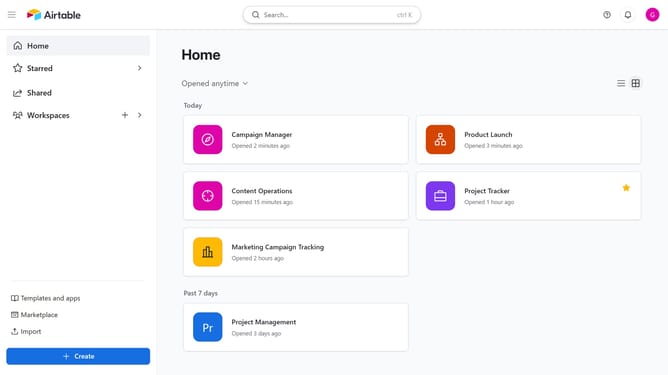
- First click on a base from the Airtable home screen
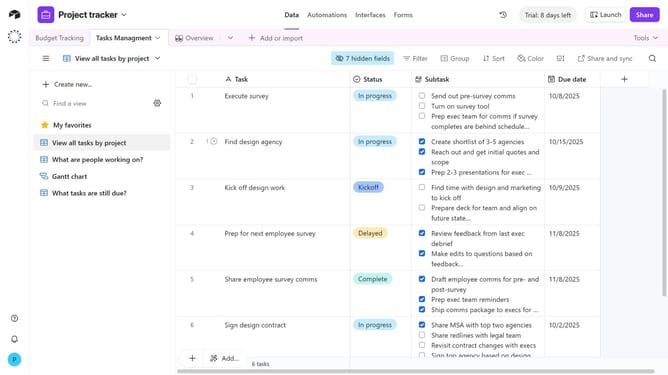
- Then look at the URL in your browser’s address bar. The base ID is the section that begins with “app”
Why should you find a base ID from a URL in Airtable
Airtable is an innovative platform that seamlessly combines the features of a database with the user-friendly interface of a spreadsheet.
Finding a base ID from a URL in Airtable is a straightforward feature that enhances integration with other applications. Knowing the base ID is particularly beneficial for setting up automated processes and API interactions.
This functionality simplifies collaboration by making it easier to share specific data sets and ensures seamless connectivity across different digital tools, thereby optimizing workflow efficiency.
Last update